5 Best Speech-to-Text Apps to Boost Your Productivity
Discover the top 5 AI-powered speech-to-text applications that can transform your productivity. From Otter.ai for meetings to AssemblyAI for developers, find the perfect transcription tool for your needs with our comprehensive comparison guide.
Why Speech-to-Text Apps Are Essential for Modern Productivity
In today's fast-paced business environment, the ability to quickly and accurately convert spoken words into written text has become a game-changer for professionals across all industries. Speech-to-text technology, powered by advanced AI and machine learning algorithms, has evolved from a novelty to an essential productivity tool that can save hours of manual transcription work every week.
Whether you're a journalist conducting interviews, a student attending lectures, a business professional in back-to-back meetings, or a content creator repurposing audio content, the right speech-to-text app can dramatically streamline your workflow. Modern AI transcription tools offer accuracy rates exceeding 95%, real-time processing, speaker identification, and seamless integration with your existing productivity tools.
In this comprehensive guide, we've evaluated and compared 5 of the best speech-to-text applications available in 2026. Our analysis considers transcription accuracy, language support, real-time capabilities, pricing, and unique features that set each tool apart. From enterprise-grade API solutions to user-friendly meeting assistants, there's a perfect solution for every use case.
💡 Quick Tip
For optimal transcription results, use a quality microphone, minimize background noise, and speak clearly. Most AI transcription tools perform best with audio that has a signal-to-noise ratio of at least 20dB.
Otter.ai
The AI-Powered Meeting Assistant That Never Misses a Word
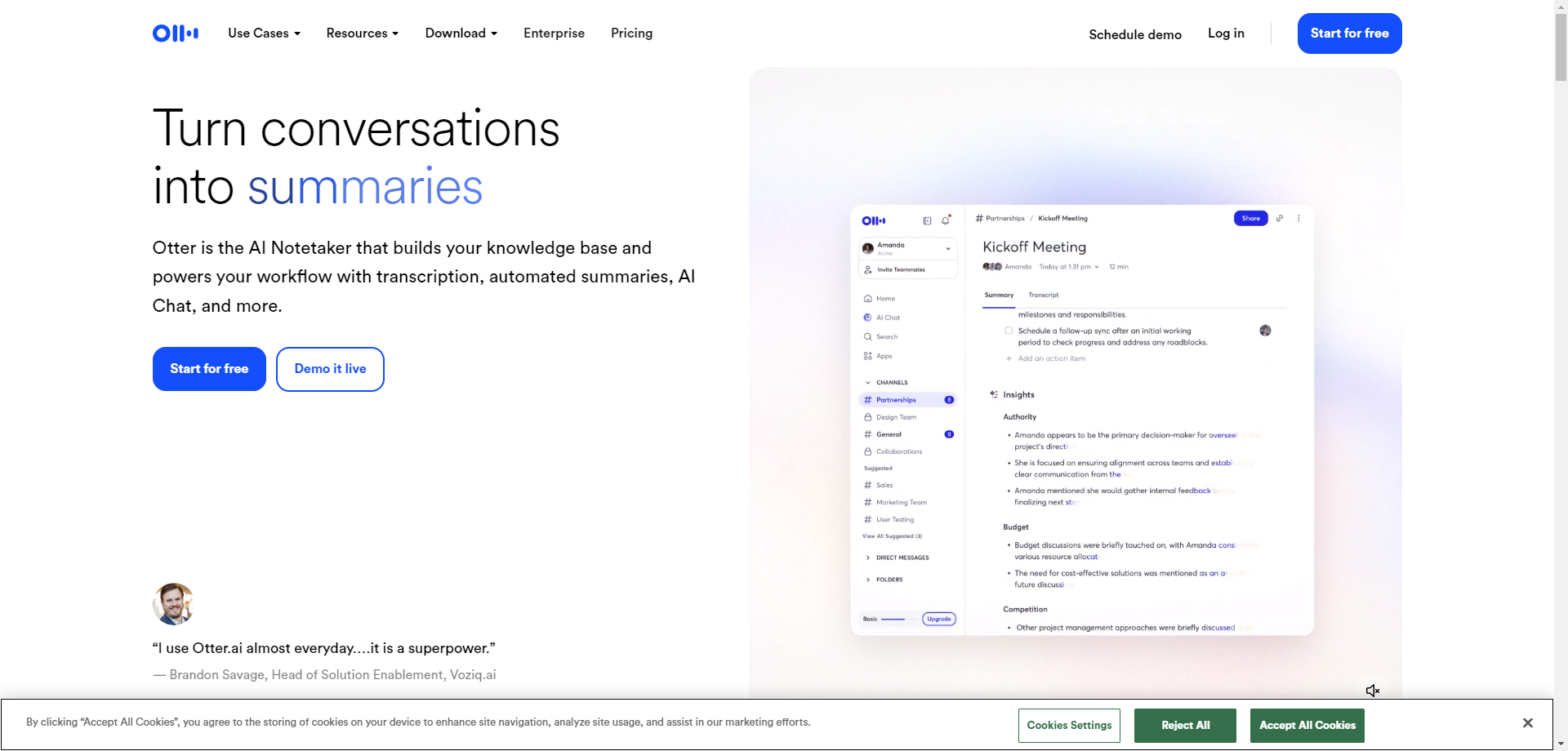
Otter.ai has established itself as the go-to AI meeting assistant for professionals who need reliable, real-time transcription. With over 25 million users worldwide, Otter has become synonymous with intelligent meeting documentation. The platform goes far beyond simple transcription—it builds a searchable knowledge base from your conversations, making it easy to find specific discussions, decisions, and action items weeks or months later.
What truly sets Otter apart is its deep integration with video conferencing platforms. The OtterPilot feature can automatically join your Zoom, Google Meet, or Microsoft Teams calls, taking notes and generating summaries without any manual intervention. This "set it and forget it" approach means you can focus entirely on the conversation while Otter handles the documentation.
The AI-powered summary feature is particularly impressive. After each meeting, Otter generates a concise summary highlighting key points, action items, and decisions made. These summaries can be automatically shared with meeting participants, ensuring everyone stays aligned without the tedium of manual note distribution.
🎯 Key Features
- OtterPilot: Automated meeting assistant that joins calls and transcribes in real-time
- AI Chat: Ask questions about your transcripts and get instant answers with citations
- Speaker Identification: Automatically distinguishes between different speakers in conversations
- Collaborative Editing: Team members can highlight, comment, and collaborate on transcripts
- Smart Search: Find any moment across all your meetings with powerful search capabilities
- Custom Vocabulary: Train Otter to recognize industry-specific terminology and names
✅ Pros
- Excellent real-time transcription accuracy
- Seamless calendar & video platform integration
- Powerful AI-generated summaries
- Generous free tier for individuals
❌ Cons
- English-focused (limited multi-language support)
- Premium features require paid subscription
- May struggle with heavy accents
💰 Pricing: Free tier with 300 minutes/month. Pro plan at $16.99/month (1,200 minutes). Business at $30/user/month with advanced team features. Enterprise pricing available.
Best For: Business professionals, remote teams, journalists conducting interviews, and anyone who spends significant time in meetings. Particularly valuable for roles requiring detailed meeting documentation and follow-up actions.
AssemblyAI
Developer-First Speech AI Platform with Industry-Leading Accuracy
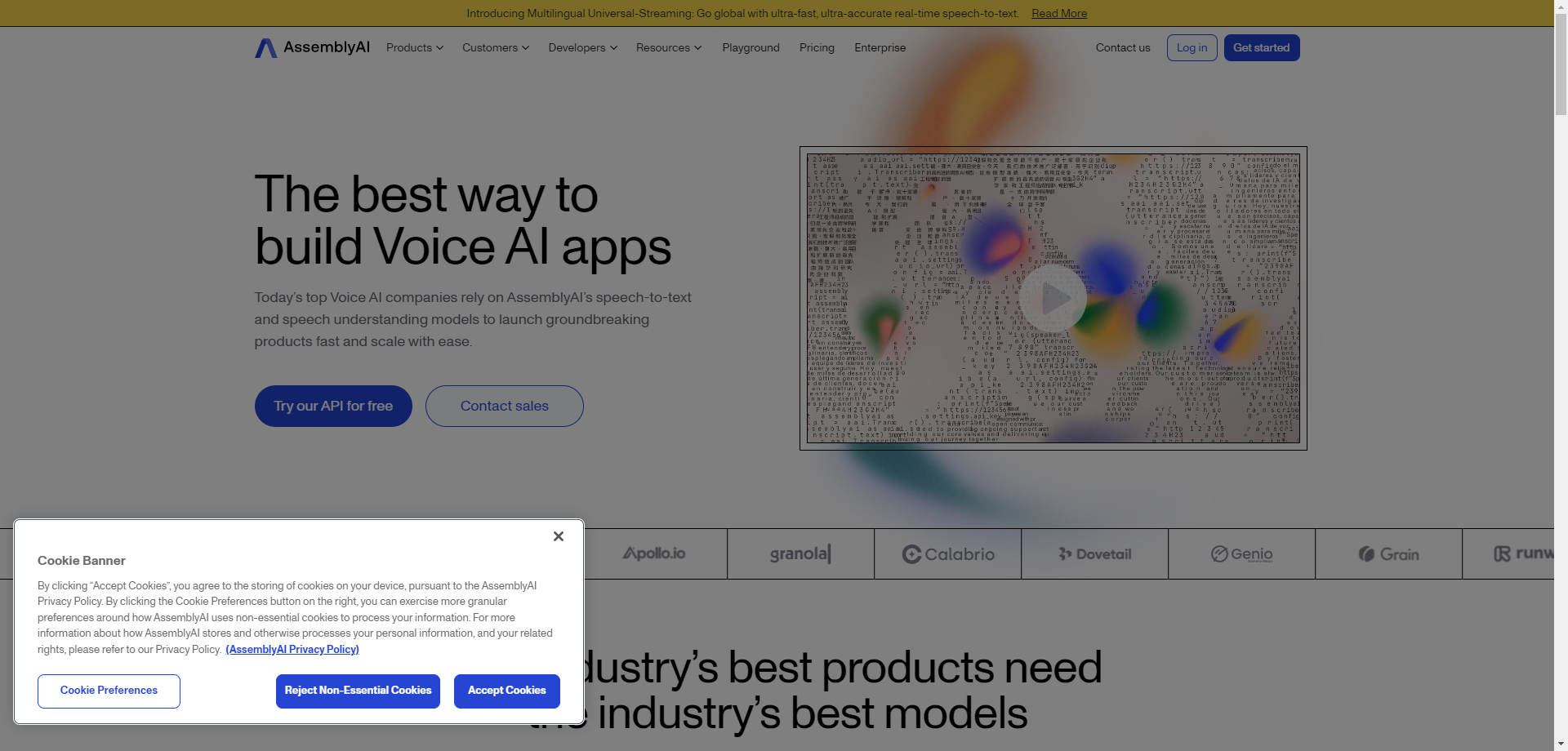
AssemblyAI is the speech AI platform of choice for developers building voice-enabled applications. Unlike consumer-focused tools, AssemblyAI provides powerful APIs that enable companies to integrate state-of-the-art speech recognition directly into their products. The platform processes over 840 million API calls monthly, powering transcription for some of the world's most popular applications.
What makes AssemblyAI stand out is its commitment to accuracy and continuous improvement. Their Universal model achieves industry-leading Word Error Rates (WER) across diverse audio conditions, accents, and domains. The platform also offers up to 30% fewer hallucinations compared to competitors—a critical advantage for applications requiring reliable transcription.
Beyond basic transcription, AssemblyAI offers a comprehensive suite of Audio Intelligence features including sentiment analysis, content moderation, topic detection, and entity extraction. These capabilities transform raw transcripts into structured, actionable data that can drive business insights and automation workflows.
🎯 Key Features
- Universal Model: Best-in-class accuracy across domains, accents, and audio quality
- Real-time Streaming: Ultra-low latency transcription for live applications
- Speaker Diarization: Identify and label different speakers in audio
- Audio Intelligence: Sentiment analysis, PII redaction, topic detection, and more
- LeMUR: Apply LLMs to transcripts for summarization, Q&A, and content generation
- Multi-language: Support for 50+ languages with automatic language detection
✅ Pros
- Industry-leading transcription accuracy
- Comprehensive API documentation
- Rich audio intelligence features
- Excellent developer experience
❌ Cons
- Requires technical integration
- No built-in end-user interface
- Costs can scale with high usage
💰 Pricing: Pay-as-you-go starting at $0.37/hour for async transcription. Real-time streaming at $0.75/hour. Volume discounts available. Free credits for new accounts.
Best For: Developers and product teams building voice-enabled applications, SaaS companies needing transcription APIs, and enterprises requiring scalable speech AI infrastructure with advanced analytics capabilities.
Descript
All-in-One AI Editor for Video, Podcasts & Transcription
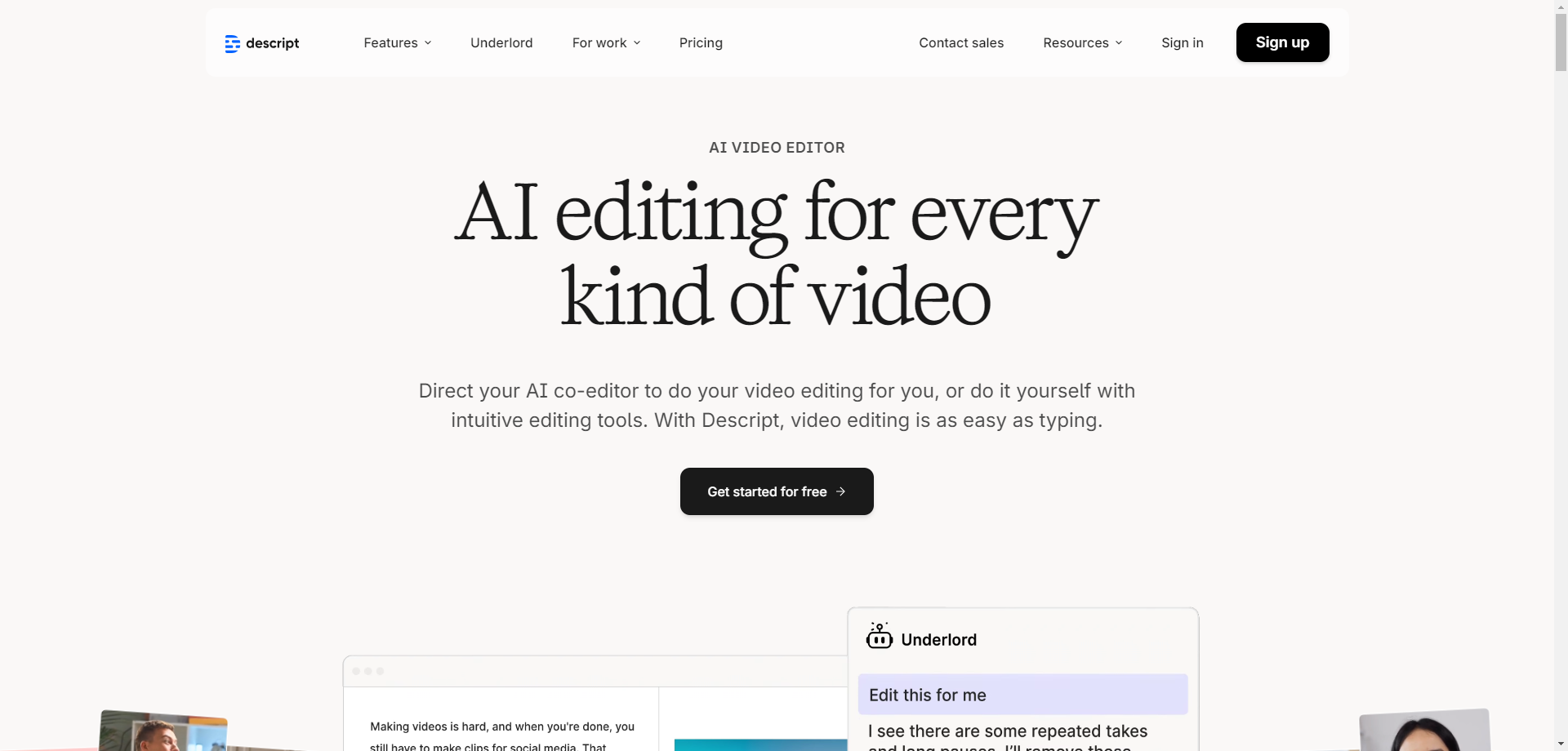
Descript revolutionizes content creation by treating audio and video editing like document editing. At its core is powerful AI transcription that creates a text-based representation of your media. The magic happens when you edit the text—Descript automatically edits the underlying audio and video to match. Delete a word from the transcript, and it's removed from your recording. It's that intuitive.
The platform's Underlord AI takes this further by handling tedious editing tasks automatically. It can remove filler words ("um," "uh," "like"), identify and remove silence, and even suggest cuts to tighten your content. For podcasters and video creators, this means what used to take hours of manual editing can now be accomplished in minutes.
Descript also offers Overdub, a remarkable feature that creates an AI clone of your voice. Made a mistake during recording? Instead of re-recording, simply type the correction and Overdub generates the audio in your voice. Combined with Eye Contact AI (which corrects your gaze in videos) and Studio Sound (which enhances audio quality), Descript offers a comprehensive creative toolkit.
🎯 Key Features
- Text-Based Editing: Edit audio/video by editing the transcript—delete text to delete media
- Underlord AI: Automated editing assistant for filler word removal, silence trimming, and more
- Overdub: AI voice cloning to correct or generate speech in your own voice
- Studio Sound: One-click audio enhancement to studio quality
- Screen Recording: Built-in screen capture with transcription
- Multi-track Editing: Professional timeline editor for complex projects
✅ Pros
- Revolutionary text-based editing paradigm
- Powerful AI automation features
- All-in-one content creation suite
- Intuitive user interface
❌ Cons
- Resource-intensive on older computers
- Learning curve for advanced features
- Premium pricing for full features
💰 Pricing: Free tier with limited features and watermarks. Creator at $15/month (10 hours transcription). Pro at $30/month (30 hours). Enterprise pricing available.
Best For: Podcasters, YouTubers, video content creators, marketers producing multimedia content, and anyone who needs both transcription and audio/video editing in a single, intuitive workflow.
Deepgram
Enterprise Voice AI with Unmatched Speed and Accuracy
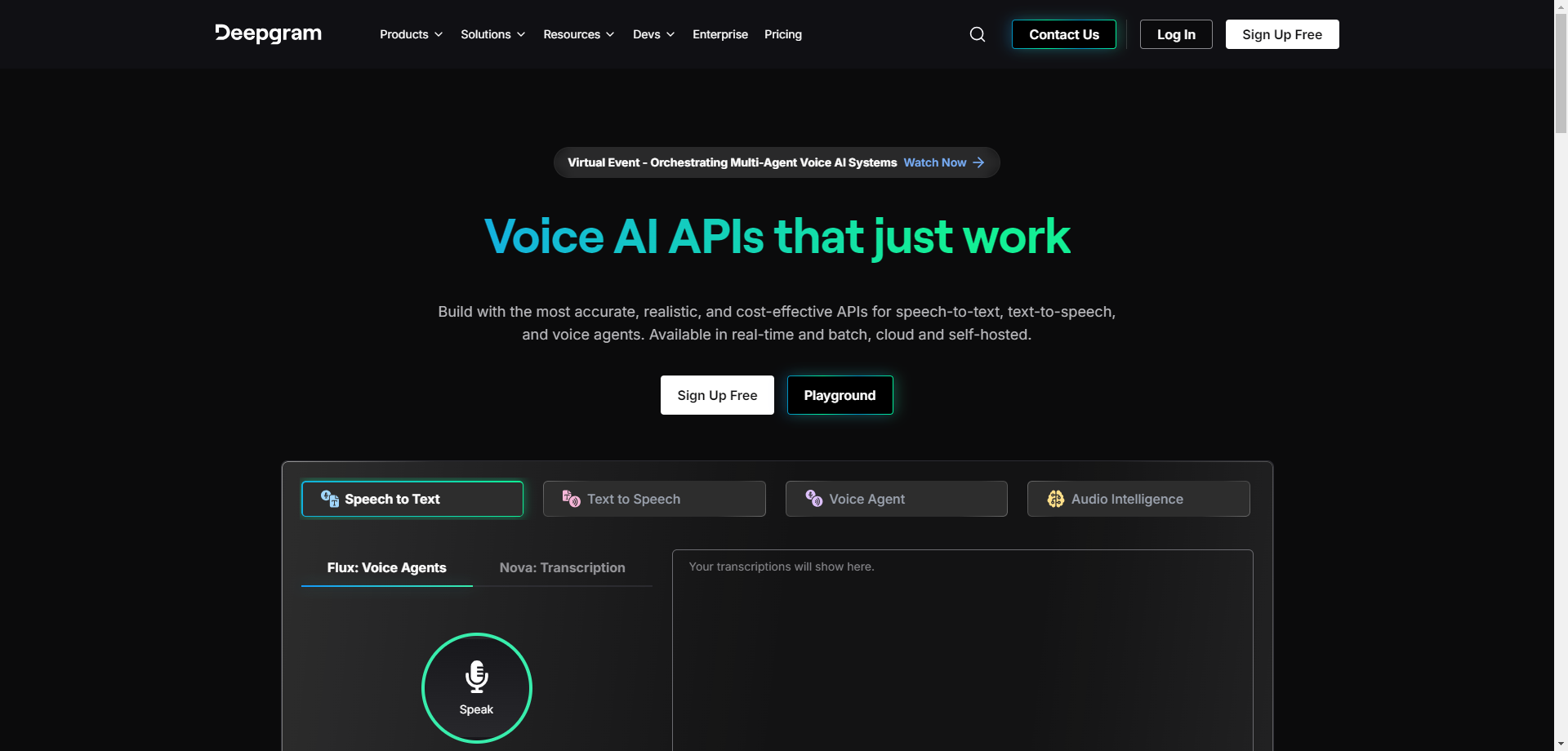
Deepgram has built its reputation on speed and accuracy, offering voice AI APIs that enterprises trust for mission-critical applications. Their end-to-end deep learning approach processes speech directly without the intermediate steps used by traditional ASR systems, resulting in faster processing times and better accuracy, especially in challenging audio conditions.
The platform shines in real-time applications. Deepgram's streaming API delivers transcription with sub-300ms latency, making it ideal for live captioning, voice agents, and conversational AI. Their Nova-2 model is particularly noteworthy, achieving benchmark-leading accuracy while maintaining the speed that production applications demand.
Deepgram recently introduced a unified Voice Agent API that combines speech-to-text, text-to-speech, and LLM orchestration into a single endpoint. This dramatically simplifies building voice AI applications by eliminating the need to stitch together separate components, reducing both latency and development complexity.
🎯 Key Features
- Nova-2 Model: State-of-the-art accuracy with incredibly fast processing
- Real-time Streaming: Sub-300ms latency for live applications
- Voice Agent API: Unified API for building complete voice AI applications
- Custom Training: Train models on your specific domain and terminology
- Self-hosted Option: Deploy on your own infrastructure for maximum control
- Multi-language: Support for 36+ languages and dialects
✅ Pros
- Industry-leading real-time latency
- Excellent accuracy in noisy environments
- Self-hosted deployment option
- Competitive pricing at scale
❌ Cons
- Primarily API-focused (limited GUI)
- Custom models require enterprise plan
- Learning curve for advanced features
💰 Pricing: Pay-as-you-go from $0.0043/minute for pre-recorded audio. Real-time at $0.0059/minute. $200 free credits for new accounts. Volume discounts for enterprise.
Best For: Enterprises building real-time voice applications, contact centers requiring live transcription, developers creating voice agents and conversational AI, and organizations with strict data residency requirements (via self-hosting).
Notta
AI Note Taker with Exceptional Multi-Language Support
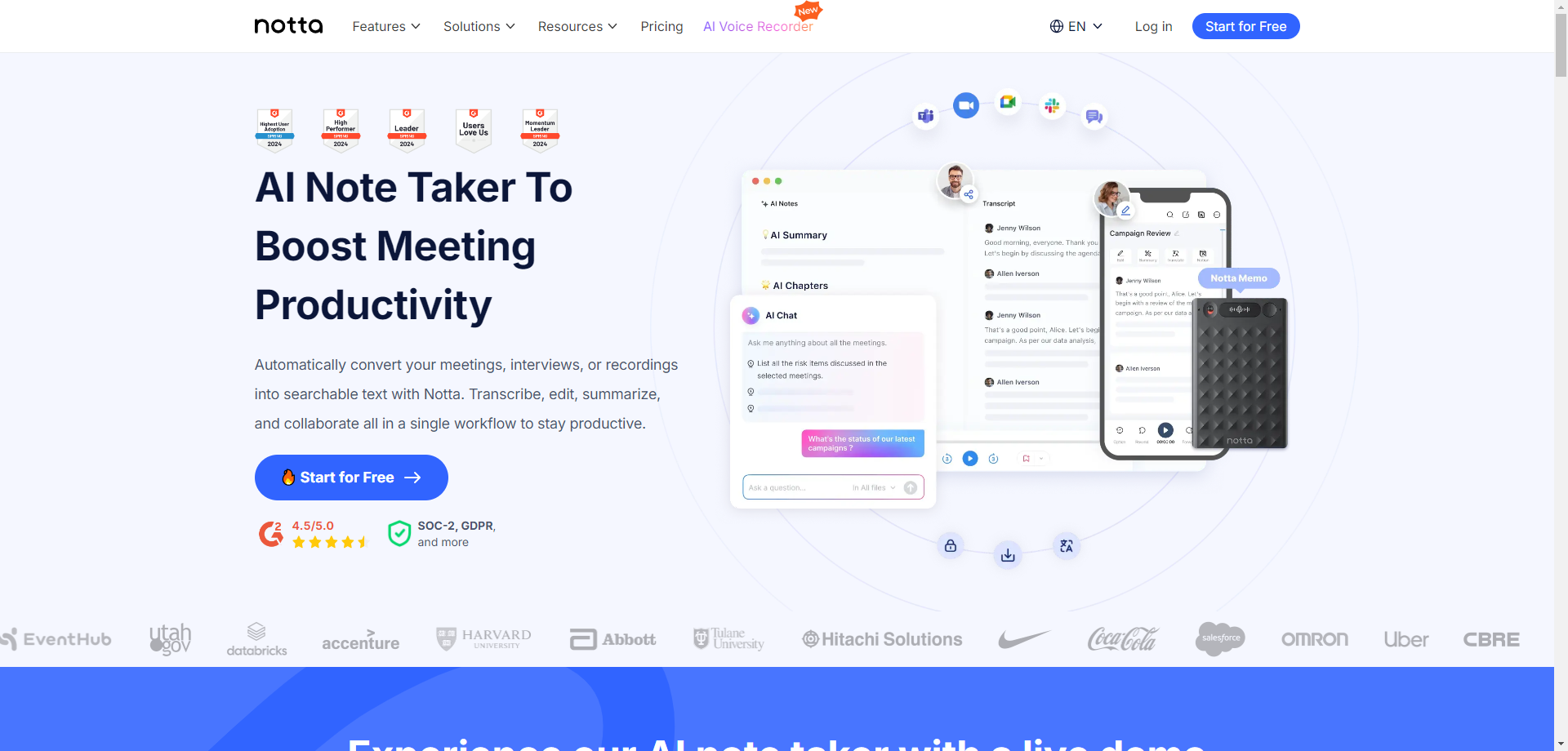
Notta has emerged as a powerful alternative in the AI transcription space, particularly excelling in multi-language support and versatility. The platform supports transcription in 104 languages with real-time translation capabilities, making it an exceptional choice for international teams and multilingual content creators.
What makes Notta particularly versatile is its multi-modal approach to capturing audio. Beyond meeting integrations, Notta offers a mobile app for on-the-go recording, a Chrome extension for web audio, and even a dedicated AI Voice Recorder hardware device (Notta Memo) for capturing conversations in any setting. This ecosystem approach ensures you never miss important information regardless of the context.
The platform's AI capabilities extend to intelligent summaries, action item extraction, and an AI Chat feature that lets you have conversations with your transcripts. Ask questions like "What were the main concerns raised about the budget?" and Notta will pull relevant information from across your meetings.
🎯 Key Features
- 104 Languages: Comprehensive language support with real-time translation
- AI Summary & Chapters: Automatic meeting summaries with chapter segmentation
- AI Chat: Interactive Q&A with your transcripts for quick information retrieval
- Multi-platform: Web, desktop, mobile apps, Chrome extension, and hardware recorder
- Meeting Bot: Automated note-taking for Zoom, Google Meet, Teams, and Webex
- SOC-2 & GDPR: Enterprise-grade security and compliance certifications
✅ Pros
- Exceptional multi-language support
- Versatile capture options (app, web, hardware)
- Clean, intuitive interface
- Competitive pricing
❌ Cons
- Less established than competitors
- Some advanced features require higher tiers
- Hardware recorder sold separately
💰 Pricing: Free tier with 120 minutes/month. Pro at $14.99/month (1,800 minutes). Business at $27.99/user/month. Enterprise pricing available.
Best For: International teams working across language barriers, professionals who need flexible recording options, users requiring real-time translation, and organizations seeking a cost-effective Otter.ai alternative with broader language support.
Quick Comparison: Speech-to-Text Apps at a Glance
| Tool | Best For | Languages | Real-time | Free Tier | Starting Price |
|---|---|---|---|---|---|
| Otter.ai | Meetings | English-focused | ✅ | 300 min/mo | $16.99/mo |
| AssemblyAI | Developers | 50+ | ✅ | Free credits | $0.37/hr |
| Descript | Creators | 23+ | ✅ | 1 hr/mo | $15/mo |
| Deepgram | Enterprise | 36+ | ✅ Ultra-fast | $200 credits | $0.0043/min |
| Notta | Multi-language | 104 | ✅ | 120 min/mo | $14.99/mo |
How to Choose the Right Speech-to-Text App
Selecting the best speech-to-text tool depends on your specific needs. Here's a quick decision guide:
🏢 If you're focused on meeting productivity...
Choose Otter.ai. Its meeting integrations, automatic summaries, and collaborative features are specifically designed for professional meeting documentation.
💻 If you're building an application...
Choose AssemblyAI or Deepgram. Both offer excellent APIs—AssemblyAI for rich audio intelligence features, Deepgram for ultra-low latency real-time applications.
🎬 If you're creating video or podcast content...
Choose Descript. Its text-based editing paradigm and AI production tools make it the most efficient choice for content creators.
🌍 If you work with multiple languages...
Choose Notta. With 104 languages and real-time translation, it's unmatched for international teams and multilingual content.
Frequently Asked Questions
Final Thoughts: Transform Your Productivity with Speech-to-Text
The speech-to-text tools available in 2026 represent a quantum leap from the frustrating dictation software of years past. Whether you're transcribing a single interview or processing thousands of hours of customer calls, there's now a tool that fits your exact needs and budget.
For most professionals focused on meetings and productivity, Otter.ai offers the most complete solution. Developers should explore AssemblyAI and Deepgram for their robust APIs. Content creators will find Descript's text-based editing revolutionary. And for multilingual needs, Notta stands out with its exceptional language coverage.
The time you spend manually taking notes or transcribing recordings is time you could spend on higher-value work. Try one of these tools today—most offer generous free tiers—and experience firsthand how AI-powered transcription can transform your productivity.