Which Free AI Can Turn Text-to-Video? 8 Best Tools
Discover the best free AI tools that can turn text into video in 2026. Compare Pika Labs, Runway ML, Luma Dream Machine, and more free text-to-video generators with their features, limits, and quality.
Transform Your Text Into Stunning Videos with Free AI Tools
The question "Which free AI can turn text-to-video?" is one of the most searched queries in 2026, and for good reason. Text-to-video AI technology has evolved dramatically, making it possible for anyone to create professional-quality videos simply by describing what they want to see.
Whether you're a content creator looking to speed up your workflow, a marketer wanting to produce engaging video ads, or someone who simply wants to bring their creative visions to life, free AI video generators now offer incredible capabilities that were unimaginable just a few years ago.
In this comprehensive guide, we'll explore the 8 best free AI tools that can turn text into video in 2026. We've tested each platform extensively to bring you honest insights about their capabilities, limitations, and ideal use cases.
🎬 The AI Video Revolution
Text-to-video AI has become one of the most exciting frontiers in artificial intelligence. These tools can generate cinematic scenes, animate characters, create product demos, and produce social media content—all from simple text descriptions. The best part? Many of these powerful tools offer free tiers that let you experiment without spending a penny.
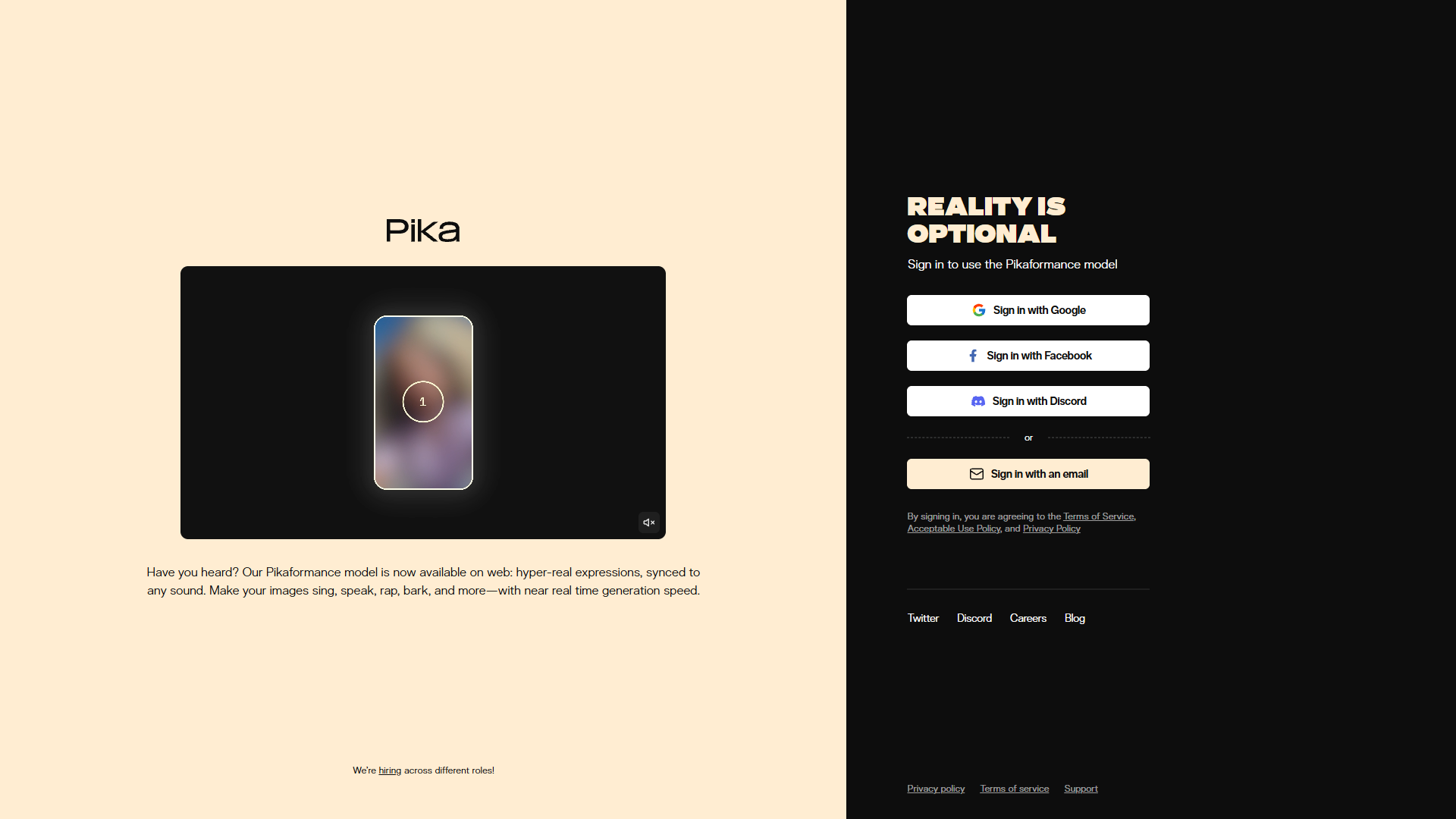
Pika Labs
The Most Popular Free Text-to-Video AI Generator
Pika Labs has quickly become one of the most beloved text-to-video AI tools, and it's easy to see why. With a generous free tier and impressive video quality, Pika offers an accessible entry point into AI video generation that rivals many paid alternatives.
The platform excels at creating cinematic, artistic videos with smooth motion and coherent scenes. You can generate videos up to 4 seconds long in the free tier, which may sound short but is actually perfect for social media clips, animated logos, and creative experiments.
Pika also offers image-to-video functionality, allowing you to animate still images with AI. This feature is particularly useful for bringing artwork, photos, and designs to life with realistic motion.
🎯 Key Features
- Text-to-video generation - Create videos from text descriptions
- Image-to-video - Animate any still image
- Multiple aspect ratios - 16:9, 9:16, 1:1 for different platforms
- Style controls - Adjust camera motion and effects
- Video editing - Modify and extend generated clips
💰 Free Tier: 250 credits per month (~50 video generations). Videos up to 4 seconds. No watermark on free tier.
Best For: Creative professionals, social media content creators, artists wanting to animate their work, and anyone seeking high-quality AI video generation.
Visit Pika LabsRunway ML (Gen-3 Alpha)
Hollywood-Grade AI Video Generation with Free Credits
Runway ML is the industry leader in AI video generation, used by major film studios and advertising agencies worldwide. Their Gen-3 Alpha model produces some of the most realistic and cinematic AI videos available, with incredible attention to physics, lighting, and motion.
What makes Runway stand out is its professional-grade output quality. The platform can generate videos with complex camera movements, realistic human motion, and detailed environments that often look indistinguishable from real footage.
While Runway is primarily a paid platform, it offers 125 free credits to new users, which translates to approximately 25-40 seconds of video generation. This is enough to thoroughly test the platform and create several impressive clips.
🎯 Key Features
- Gen-3 Alpha model - Latest and most advanced AI video technology
- 10-second videos - Longer clips than most competitors
- Advanced prompting - Detailed camera and motion control
- Image-to-video - Animate images with precise control
- Full editing suite - Complete video editing tools included
💰 Free Tier: 125 credits for new users (~25-40 seconds of video). Professional quality output. Watermark on free tier.
Best For: Filmmakers, professional video producers, advertising agencies, and anyone who needs the absolute highest quality AI-generated video.
Visit Runway MLLuma Dream Machine
30 Free Videos Per Month with Exceptional Quality
Luma Dream Machine offers one of the most generous free tiers in the AI video space with 30 free video generations per month. The quality rivals top competitors, making it an excellent choice for users who want to create multiple videos without paying.
Luma's AI excels at generating realistic human movements and natural physics. Objects fall, liquids flow, and characters move in ways that feel authentic. This attention to physical realism sets Luma apart from many competitors.
The platform is also incredibly fast, often generating videos in under a minute. Combined with its intuitive interface and generous free tier, Luma Dream Machine is perfect for users who want to experiment extensively with AI video.
🎯 Key Features
- 30 free videos/month - Most generous free tier available
- Realistic physics - Natural object and character movement
- Fast generation - Videos ready in under a minute
- 5-second clips - Decent length for social content
- Simple interface - Easy to use for beginners
💰 Free Tier: 30 video generations per month. 5-second clips. Small watermark on free videos.
Best For: Content creators who need multiple videos monthly, beginners exploring AI video, and anyone who values realistic motion and physics.
Visit Luma Dream MachineCanva AI Video (Magic Media)
Text-to-Video Built into the World's Most Popular Design Tool
Canva's Magic Media now includes text-to-video capabilities, bringing AI video generation to millions of existing Canva users. If you already use Canva for design, adding AI-generated videos to your workflow is seamless and intuitive.
The platform offers a unique advantage: direct integration with Canva's design ecosystem. Generate a video, then immediately edit it, add text overlays, combine it with other elements, and export in any format—all without leaving the platform.
While the AI video quality isn't quite at the level of specialized tools like Runway or Pika, Canva's convenience and all-in-one workflow make it perfect for quick social media content and marketing videos.
🎯 Key Features
- Integrated workflow - Generate and edit in one platform
- Template library - Thousands of video templates
- Text overlays - Add captions and graphics easily
- Multiple export formats - MP4, GIF, and more
- Brand kit support - Maintain consistent branding
💰 Free Tier: 50 lifetime AI uses for free accounts (shared with image generation). No watermark on exports.
Best For: Canva users, marketers, social media managers, and anyone who wants AI video integrated with a complete design suite.
Visit Canva AI VideoKaiber AI
Perfect for Music Videos and Artistic AI Animation
Kaiber AI has carved out a unique niche in the AI video space by focusing on artistic and music video creation. The platform excels at generating psychedelic, abstract, and highly stylized videos that sync perfectly with audio tracks.
Musicians and visual artists particularly love Kaiber for its ability to create beat-synced visuals. Upload a song, describe your vision, and Kaiber will generate a flowing video that moves and transforms in rhythm with the music.
The platform offers multiple generation modes including Flipbook (frame-by-frame style), Motion (smooth transitions), and Transform (morphing effects), each producing distinctly different visual aesthetics.
🎯 Key Features
- Audio sync - Videos that move with your music
- Multiple modes - Flipbook, Motion, Transform styles
- Artistic styles - Psychedelic, abstract, anime, and more
- Longer videos - Generate videos up to minutes long
- Storyboard control - Plan scene transitions
💰 Free Tier: 7-day free trial with limited credits. After trial, credits must be purchased.
Best For: Musicians, music video creators, visual artists, and anyone wanting to create artistic, stylized AI videos.
Visit Kaiber AIHaiper AI
Unlimited Free Video Generation with No Watermarks
Haiper AI stands out for offering unlimited free video generation with no watermarks—a rarity in the AI video space. Founded by former Google DeepMind researchers, Haiper delivers surprisingly good quality for a completely free tool.
The platform supports both text-to-video and image-to-video generation, producing 2-4 second clips that work perfectly for social media content. The quality has improved significantly since launch, with better motion consistency and visual coherence.
While Haiper may not match the cinematic quality of Runway or Pika, its completely free, unlimited access makes it perfect for experimentation and high-volume content creation where budget is a concern.
🎯 Key Features
- Unlimited generations - No daily or monthly limits
- No watermark - Clean exports on free tier
- Text and image input - Multiple generation modes
- DeepMind technology - Advanced AI from Google researchers
- Quick generation - Videos ready in seconds
💰 Free Tier: Unlimited video generation. 2-4 second clips. No watermark. Completely free to use.
Best For: Budget-conscious creators, high-volume content production, experimentation, and anyone who wants unlimited AI video without restrictions.
Visit Haiper AIVidnoz AI
AI Talking Avatar Videos from Text Scripts
Vidnoz AI specializes in a different type of text-to-video: AI avatar videos. Write a script, select a realistic AI avatar, and Vidnoz will generate a professional talking-head video complete with lip-synced speech and natural gestures.
This makes Vidnoz perfect for business presentations, training videos, marketing content, and educational materials. Instead of expensive video shoots with actors, you can create professional spokesperson videos in minutes.
The platform offers over 100 realistic AI avatars representing diverse ethnicities, ages, and styles. Combined with 140+ natural-sounding AI voices in multiple languages, Vidnoz enables truly global video content creation.
🎯 Key Features
- 100+ AI avatars - Diverse, realistic digital spokespersons
- 140+ AI voices - Natural text-to-speech in many languages
- Lip sync technology - Perfect audio-visual matching
- Template library - Ready-made video templates
- Custom avatars - Create avatars from your own photos
💰 Free Tier: 3 free videos per day. Videos up to 3 minutes. Basic avatar selection.
Best For: Business professionals, educators, marketers, and anyone who needs professional talking-head videos without filming.
Visit Vidnoz AIInVideo AI
Full-Length Videos from Simple Text Prompts
InVideo AI takes a unique approach to text-to-video by generating complete, edited videos from simple prompts. Describe what you want—"a 2-minute video about the benefits of meditation"—and InVideo AI creates a full video with clips, transitions, music, and voiceover.
Unlike tools that generate short AI clips, InVideo AI assembles videos using stock footage, AI voiceovers, and intelligent editing. This makes it perfect for YouTube content, educational videos, and marketing materials where you need longer, more structured content.
The AI understands context remarkably well, selecting relevant footage and creating logical narrative flow. You can also chat with the AI to refine your video, adjusting pacing, changing scenes, or modifying the script through natural conversation.
🎯 Key Features
- Full-length videos - Generate videos up to 15 minutes
- Stock footage - Access to millions of clips
- AI voiceover - Natural text-to-speech narration
- Chat refinement - Edit through conversation
- Auto-editing - Intelligent cuts and transitions
💰 Free Tier: 10 free AI video generations per week. Watermark on free exports. 10-minute max length.
Best For: YouTubers, content marketers, educators, and anyone who needs full-length, edited videos quickly.
Visit InVideo AI📊 Quick Comparison: Which Free AI Text-to-Video Tool Should You Choose?
| Tool | Free Limit | Video Length | Quality | Best For |
|---|---|---|---|---|
| Pika Labs | 250 credits/mo | 4 seconds | ⭐⭐⭐⭐⭐ | Creative & Artistic |
| Runway ML | 125 credits once | 10 seconds | ⭐⭐⭐⭐⭐ | Professional Quality |
| Luma Dream Machine | 30 videos/mo | 5 seconds | ⭐⭐⭐⭐ | Realistic Motion |
| Canva AI Video | 50 lifetime | Variable | ⭐⭐⭐⭐ | Design Integration |
| Kaiber AI | 7-day trial | Minutes | ⭐⭐⭐⭐ | Music Videos |
| Haiper AI | Unlimited | 2-4 seconds | ⭐⭐⭐ | High Volume |
| Vidnoz AI | 3 videos/day | 3 minutes | ⭐⭐⭐⭐ | Avatar Videos |
| InVideo AI | 10 videos/week | 15 minutes | ⭐⭐⭐⭐ | Full-Length Content |
🔧 How Does AI Text-to-Video Work?
Understanding how these tools work can help you get better results:
1. Text Processing
The AI analyzes your text prompt, identifying objects, actions, styles, and camera movements you've described. More detailed prompts generally produce better results.
2. Frame Generation
The AI generates individual frames that match your description. Advanced models ensure consistency between frames for smooth motion.
3. Motion Synthesis
The frames are interpolated and connected to create fluid movement. Better AI models produce more natural, physics-accurate motion.
4. Post-Processing
The final video is enhanced for color consistency, sharpness, and overall quality before being delivered to you.
Frequently Asked Questions
Start Creating AI Videos Today
The question "Which free AI can turn text-to-video?" now has many great answers. Whether you need high-quality cinematic clips, unlimited free generations, music video animations, or full-length edited content, there's a free tool that fits your needs.
Our top recommendations:
- Best Overall Quality: Pika Labs or Runway ML
- Most Generous Free Tier: Luma Dream Machine (30 videos/month)
- Unlimited Free Access: Haiper AI
- Full-Length Videos: InVideo AI
The AI video revolution is here—and it's free to join. Pick a tool from this list and start creating your first AI video today!
Explore More AI Tools
Discover more free AI tools in our comprehensive directory
Browse AI Tools Directory