
Free Video AI Tools: Create Stunning Videos Without Spending a Dime
Discover the best free AI video generators that let you create professional videos from text, images, or simple prompts. No experience or budget required.
Video content dominates social media, but professional video production costs thousands of dollars. AI has changed that equation completely. Today's free video AI tools can generate clips from text descriptions, animate static images, and even create talking avatars—all without touching a camera or editing software.
We tested dozens of free AI video generators to find which ones actually deliver usable results. Here's what works, what's worth your time, and how to get the most from free tiers.
Best Free Video AI Tools Compared
| Tool | Free Credits | Video Length | Best Feature |
|---|---|---|---|
| Runway Gen-2 | 125 credits/month | 4 seconds | Highest quality output |
| Pika Labs | 250 credits/month | 3 seconds | Smooth motion |
| Luma AI | 30 generations/month | 5 seconds | Realistic physics |
| Haiper AI | Unlimited (watermark) | 4 seconds | Truly unlimited |
| D-ID | 5 minutes/month | Up to 5 min | Talking avatars |
1. Runway Gen-2 — Best Overall Quality
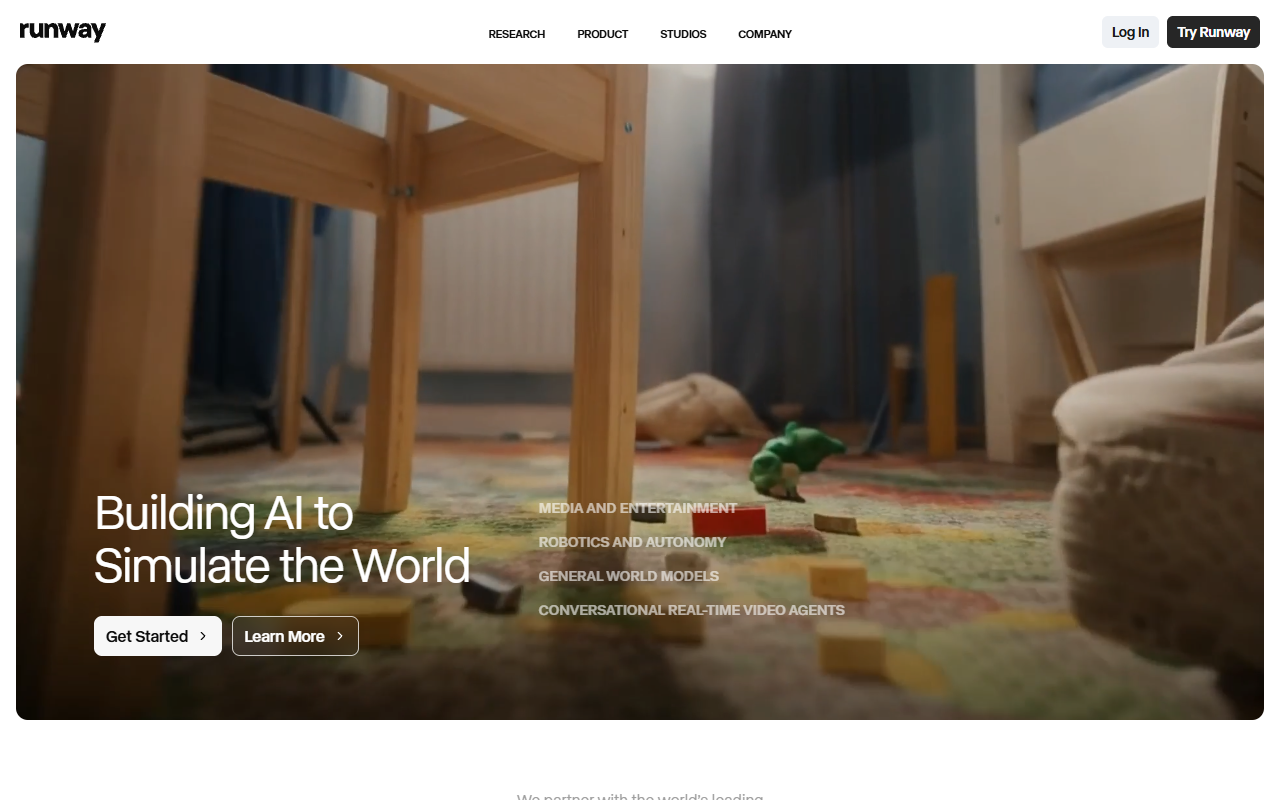
Runway produces the most cinematic results among free options. The AI understands camera movements, lighting, and composition better than competitors. Videos look intentional, not random.
The free tier gives you 125 credits monthly, enough for about 25 four-second clips. That's plenty for testing ideas or creating short social media content. The interface is straightforward—type what you want to see, adjust settings if needed, and generate.
2. Pika Labs — Best for Smooth Motion
Pika excels at creating videos with natural, flowing movement. Where other tools produce jerky or morphing results, Pika maintains visual consistency across frames. Objects move believably through space.
Perfect For:
- Product showcase videos
- Nature and landscape clips
- Abstract visual effects
- Social media loops
The 250 monthly credits translate to roughly 80 three-second videos. Pika also offers image-to-video conversion, letting you animate static photos or illustrations. Upload a drawing, describe how it should move, and watch it come alive.
3. Luma AI — Best Realistic Physics
Luma's Dream Machine understands how things actually move in the real world. Water flows correctly, fabric drapes naturally, objects fall with proper weight. This attention to physics makes videos feel grounded rather than dreamlike.
Text to Video
Describe scenes in natural language
Image to Video
Animate existing images
Fast Generation
Results in 2-3 minutes
The free tier allows 30 generations per month. Each video runs about 5 seconds—longer than most competitors. Quality is consistently high, though generation times can stretch during peak hours.
4. Haiper AI — Best Unlimited Option
Haiper takes a different approach: unlimited free generations with a watermark. No credit counting, no monthly limits. Generate as many videos as you want, experiment freely, iterate without worry.
Why This Matters:
Most AI video tools ration free usage tightly. Haiper's unlimited model means you can test dozens of prompts to find what works, refine ideas through multiple iterations, and learn the tool without financial pressure. The watermark is small and unobtrusive for personal projects.
Quality sits slightly below Runway or Luma, but the unlimited access makes up for it. Perfect for learning, experimentation, or high-volume content creation where watermarks don't matter.
5. D-ID — Best for Talking Avatars
D-ID specializes in one thing: making photos talk. Upload a portrait, paste your script, and the AI animates the face with realistic lip-sync and expressions. It's uncanny how natural the results look.
Common Use Cases:
The free plan includes 5 minutes of video monthly—enough for several short clips. D-ID also offers AI voices in multiple languages, so you don't need to record audio yourself.
How to Get Better Results
🎯 Be Specific with Prompts
Instead of "a dog running," try "golden retriever running through autumn leaves, slow motion, golden hour lighting." Details matter.
📐 Start with Images
Image-to-video often produces better results than text-to-video. Generate or find a starting image, then animate it.
⏱️ Keep It Short
AI video quality degrades over time. Shorter clips (3-5 seconds) maintain consistency better than longer ones.
🔄 Generate Multiple Versions
AI video is probabilistic. The same prompt produces different results each time. Generate 3-5 versions and pick the best.
Choosing the Right Tool
| Your Goal | Best Tool | Why |
|---|---|---|
| Highest quality clips | Runway Gen-2 | Most cinematic results |
| Unlimited experimentation | Haiper AI | No credit limits |
| Talking head videos | D-ID | Specialized for avatars |
| Realistic motion | Luma AI | Best physics simulation |
| Smooth animations | Pika Labs | Excellent frame consistency |
Frequently Asked Questions
Can I use free AI videos commercially?
Check each tool's terms. Most allow commercial use of free tier content, but some require attribution or have restrictions. Runway and Pika generally permit commercial use.
How long does video generation take?
Typically 2-5 minutes per clip. Generation time varies by tool, server load, and video complexity. Luma is fastest, Runway can take longer during peak hours.
Why are free AI videos so short?
Current AI struggles with temporal consistency. Longer videos accumulate errors and artifacts. Short clips maintain quality better. Most tools cap free videos at 3-5 seconds.
Can I remove watermarks from free videos?
Only by upgrading to paid plans. Most free tiers either add watermarks or limit resolution. Haiper adds a small watermark; others may reduce quality instead.
Final Thoughts
Free AI video tools have reached a point where they're genuinely useful, not just novelties. You won't replace professional videographers, but you can create engaging content for social media, test video concepts, or add motion to static designs—all without spending money.
Start with Runway if you want the best quality, or Haiper if you need unlimited generations. Experiment with different tools to find which style matches your needs. The technology improves monthly, so what's possible today will look primitive six months from now.