5 Best Free Audio Transcription Tools Online
Discover the top 5 free audio transcription tools that convert speech to text without breaking the bank. From AI-powered VEED.io to the completely free oTranscribe, find the perfect tool for converting your recordings to text.
Free Audio Transcription: Convert Speech to Text Without Breaking the Bank
In an era where content is king, the ability to quickly convert audio recordings into searchable, editable text has become invaluable. Whether you're a student transcribing lecture recordings, a journalist processing interviews, a podcaster creating show notes, or a business professional documenting meeting conversations, free audio transcription tools can save you countless hours of manual work.
The good news? You don't need to spend hundreds of dollars on expensive transcription services. Thanks to advances in AI and speech recognition technology, several powerful tools now offer free audio-to-text conversion with impressive accuracy. These online transcription services leverage the same neural network technology used by major tech companies, making professional-grade transcription accessible to everyone.
In this comprehensive guide, we've curated 5 of the best free audio transcription tools available in 2026. Each tool offers unique features and advantages, from completely free browser-based solutions to freemium services with generous trial allowances. We'll explore what makes each tool special, their limitations, and which use cases they serve best.
💡 What Makes These Tools "Free"?
The tools in this list offer either completely free transcription (like oTranscribe) or generous free tiers that provide substantial transcription minutes without payment. Some offer free trials, while others are ad-supported. We've noted the specific free offerings for each tool.
VEED.io Audio to Text
AI-Powered Transcription with 125+ Languages & 99.9% Accuracy
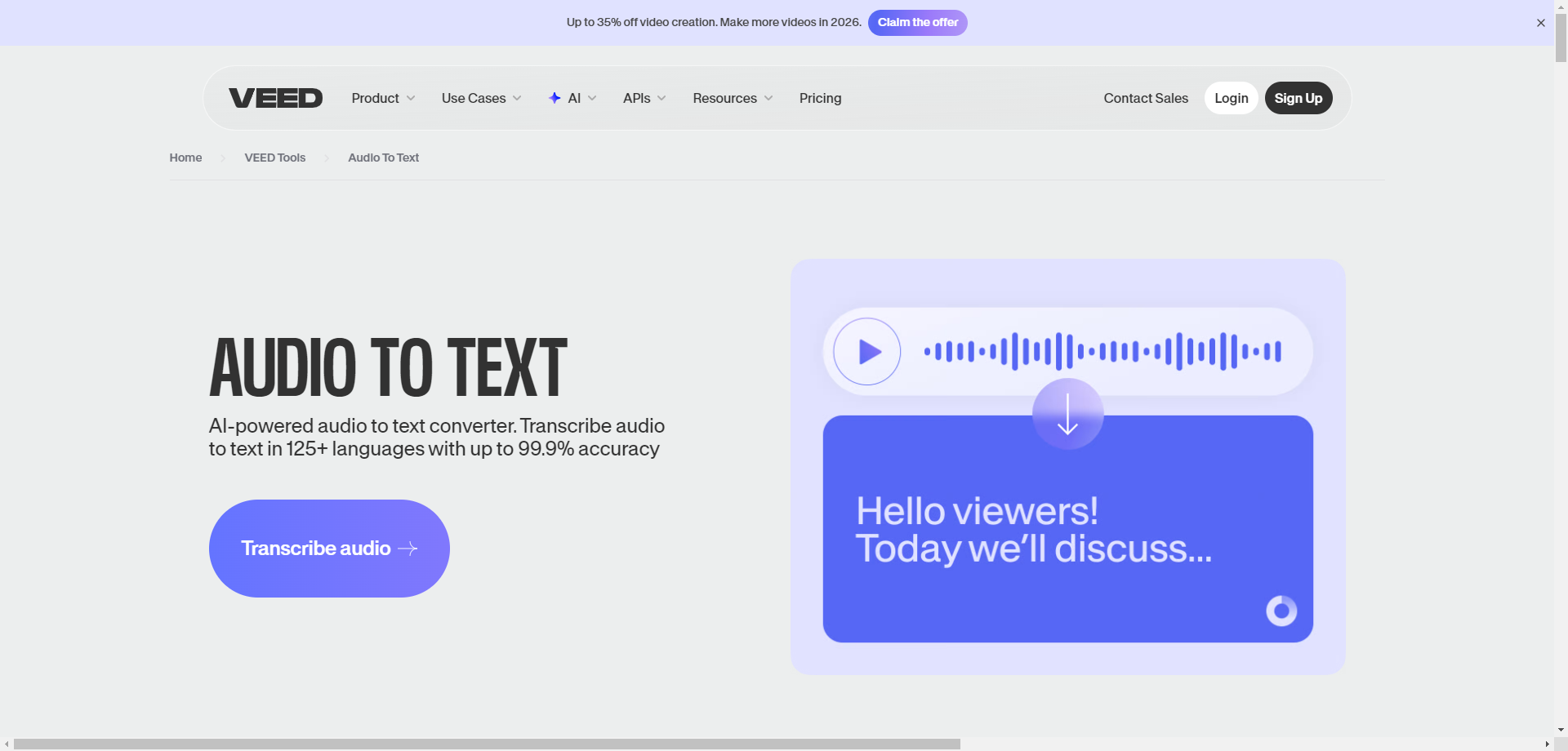
VEED.io is a comprehensive online video editing platform that includes a powerful AI-driven audio-to-text converter. While primarily known for video editing, VEED's transcription feature stands out for its remarkable accuracy and extensive language support. The platform claims up to 99.9% accuracy for clear audio, making it one of the most reliable free transcription options available.
What sets VEED apart is its seamless integration with video editing workflows. After transcribing your audio, you can directly add captions to videos, translate subtitles into different languages, or export the transcript in various formats. This makes it particularly valuable for content creators, YouTubers, and social media managers who need both transcription and video capabilities in one place.
The free tier allows you to transcribe audio files and export basic transcripts, though some advanced features like removing watermarks require a paid subscription. For occasional transcription needs, the free tier is more than sufficient to get professional-quality results.
🎯 Key Features
- 125+ Languages: Support for global languages including regional dialects and accents
- Automatic Subtitles: Generate and burn captions directly onto videos
- Multiple Export Formats: Download as TXT, SRT, VTT, or directly add to videos
- Speaker Detection: Automatically identify different speakers in conversations
- Translation: Translate transcripts into other languages instantly
- No Installation: Works entirely in your browser—no software downloads needed
✅ Pros
- Exceptional accuracy for clear audio
- All-in-one video + transcription platform
- Clean, intuitive user interface
- Fast processing times
❌ Cons
- Free tier has watermarks on video exports
- Limited transcription minutes on free plan
- Advanced features require subscription
💰 Free Tier: Basic transcription with limited minutes per month. Paid plans start at $18/month for unlimited transcription and watermark-free exports.
Best For: Content creators who need both transcription and video editing capabilities. Ideal for YouTubers adding captions, social media managers creating accessible content, and anyone who frequently works with video.
oTranscribe
100% Free Open-Source Manual Transcription Tool
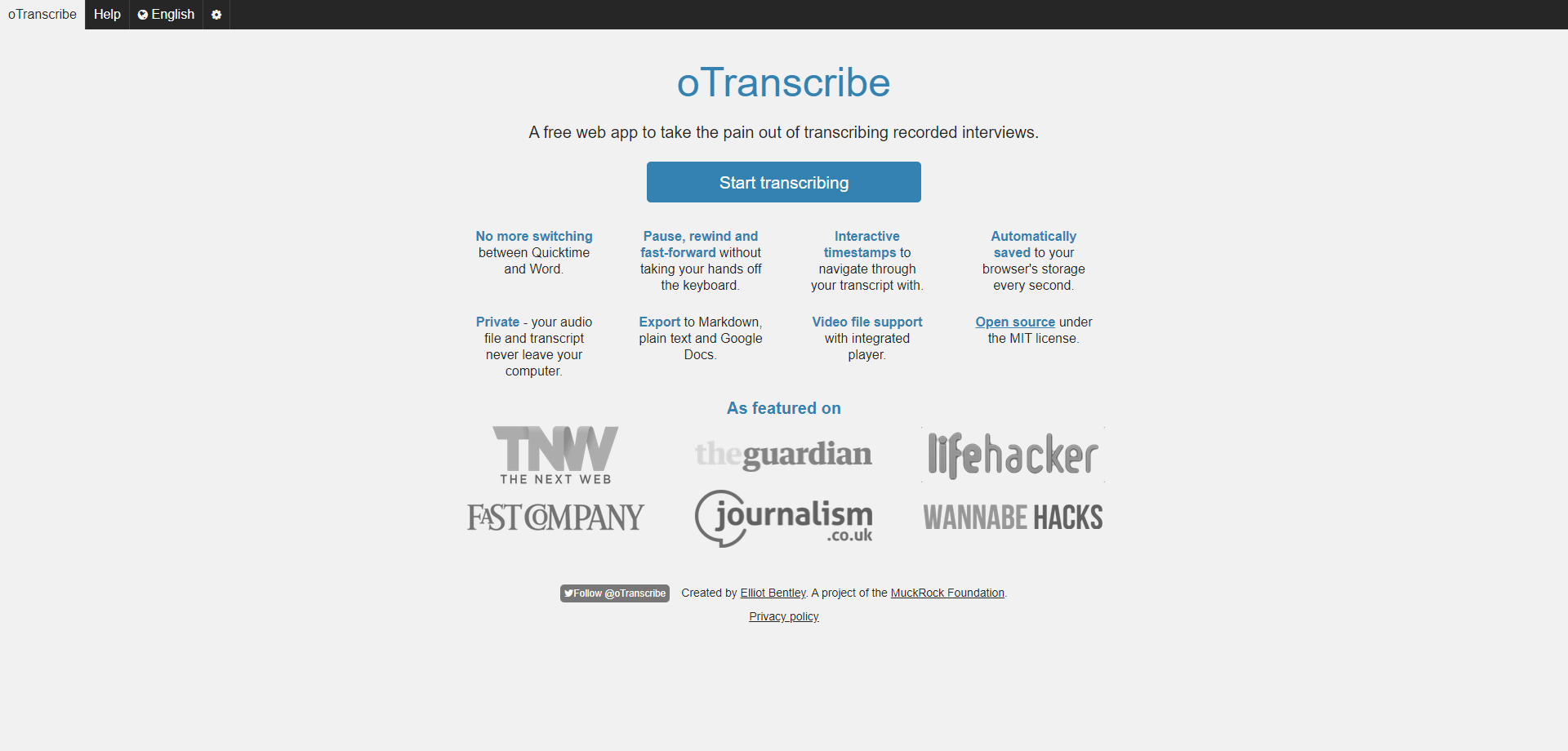
oTranscribe takes a refreshingly different approach to audio transcription. Rather than relying on AI speech recognition, it provides a beautifully designed manual transcription environment that makes the human transcription process as efficient as possible. If you need 100% accuracy or work with challenging audio that automated tools struggle with, oTranscribe is your answer—and it's completely free, forever.
The genius of oTranscribe lies in its simplicity. Load your audio file, and you can control playback entirely with keyboard shortcuts while you type. Pause, rewind 5 seconds, slow down or speed up—all without ever moving your hands from the keyboard. Interactive timestamps let you click any part of your transcript to jump to that exact moment in the audio. It's the professional transcriptionist's secret weapon.
Privacy-conscious users will appreciate that oTranscribe is completely client-side. Your audio files and transcripts never leave your computer—everything is processed locally in your browser. The project is open-source under the MIT license, maintained by the MuckRock Foundation, and has been featured in The Guardian, Lifehacker, and Fast Company.
🎯 Key Features
- Keyboard Shortcuts: Control audio playback without leaving the keyboard
- Interactive Timestamps: Click timestamps to navigate through your transcript
- Auto-Save: Your work is automatically saved to browser storage every second
- 100% Private: Audio files never leave your computer—completely local processing
- Video Support: Works with both audio and video files
- Export Options: Export to Markdown, plain text, or Google Docs
✅ Pros
- 100% free with no limitations
- Maximum privacy—data never uploaded
- Perfect for challenging audio quality
- Open-source and transparent
❌ Cons
- Manual transcription—no AI automation
- Time-consuming for long recordings
- No speaker identification
💰 Price: Completely FREE. No ads, no premium tier, no limitations. Open-source under MIT license.
Best For: Journalists, researchers, and professionals who need 100% accuracy and work with difficult audio. Perfect for legal transcriptions, academic research interviews, or any situation where automated transcription isn't reliable enough.
Sonix
Fast & Accurate AI Transcription with 30 Free Minutes
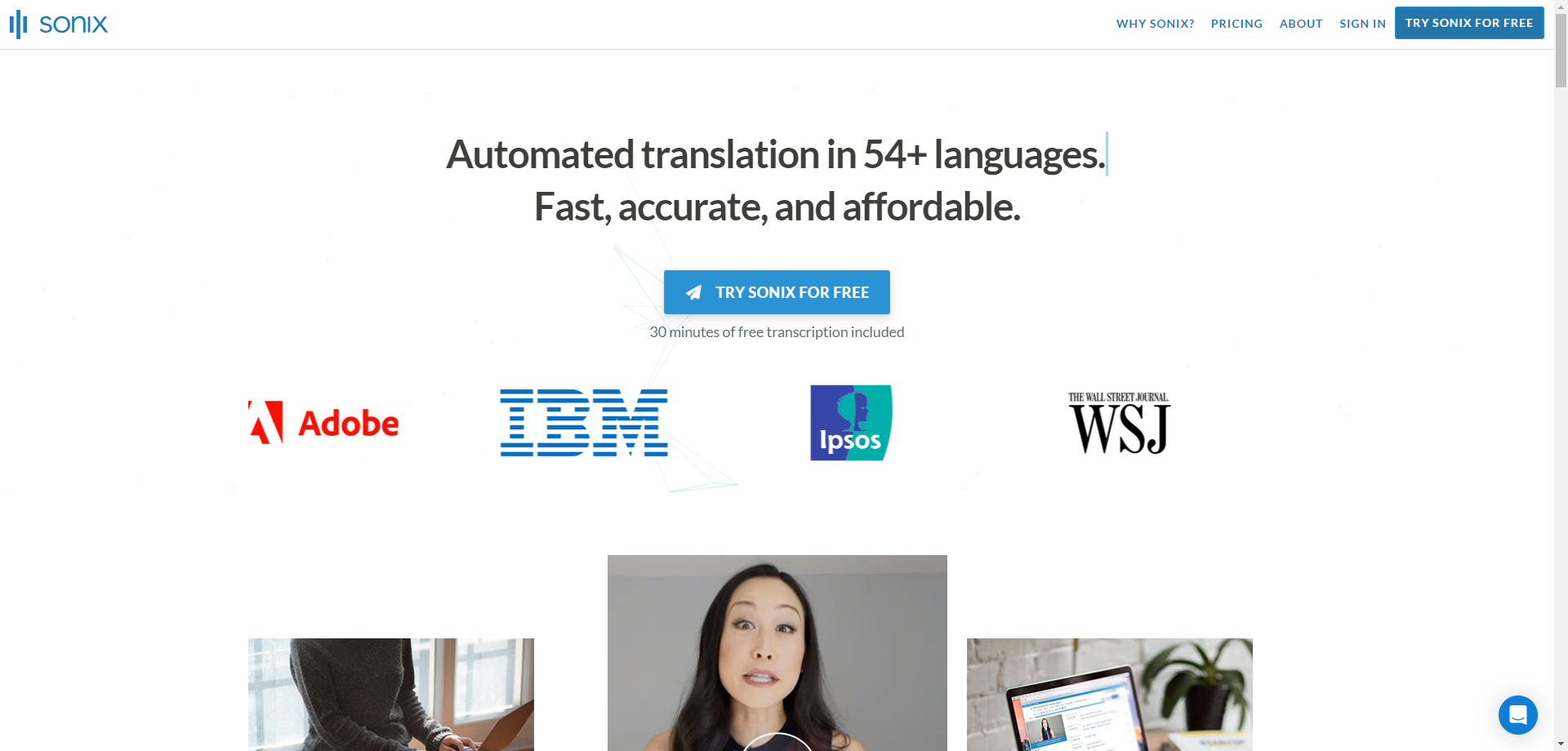
Sonix represents the premium end of AI transcription, trusted by organizations like Adobe, IBM, The Wall Street Journal, and Stanford University. What makes it relevant for our free tools list? Sonix offers 30 minutes of free transcription to new users—enough to experience their industry-leading accuracy and decide if it's worth the investment for larger projects.
The platform's strength lies in its balance of speed and accuracy. Sonix delivers automated transcription that's faster than real-time—a 60-minute recording typically processes in under 5 minutes. Combined with support for 54+ languages and automatic translation capabilities, Sonix is particularly valuable for international teams and multilingual content.
Beyond basic transcription, Sonix includes a powerful web-based editor where you can review, edit, and polish your transcripts. The interface highlights areas where the AI was less confident, making it easy to quickly review and correct potential errors. You can also add speaker labels, timestamps, and export in various formats including Word, SRT subtitles, and more.
🎯 Key Features
- 54+ Languages: Comprehensive language support with automatic detection
- In-Browser Editor: Review and edit transcripts with confidence highlighting
- Automated Translation: Translate transcripts between languages automatically
- Team Collaboration: Share and collaborate on transcripts with team members
- Enterprise Security: SOC 2 Type II certified with encryption at rest and in transit
- Multiple Export Formats: Word, TXT, PDF, SRT, VTT and more
✅ Pros
- Industry-leading accuracy
- Enterprise-grade security
- Excellent multilingual support
- Powerful built-in editor
❌ Cons
- Only 30 minutes free
- Paid plans can get expensive
- May be overkill for simple needs
💰 Free Tier: 30 minutes free transcription for new accounts. After that, pay-as-you-go at $10/hour or subscription plans starting at $22/month.
Best For: Professionals who need high accuracy and don't mind paying after the trial. Excellent for business transcription, legal documentation, academic research, and multilingual teams.
Transcribe by Wreally
Privacy-Focused Transcription with Free Trial & 80+ Languages
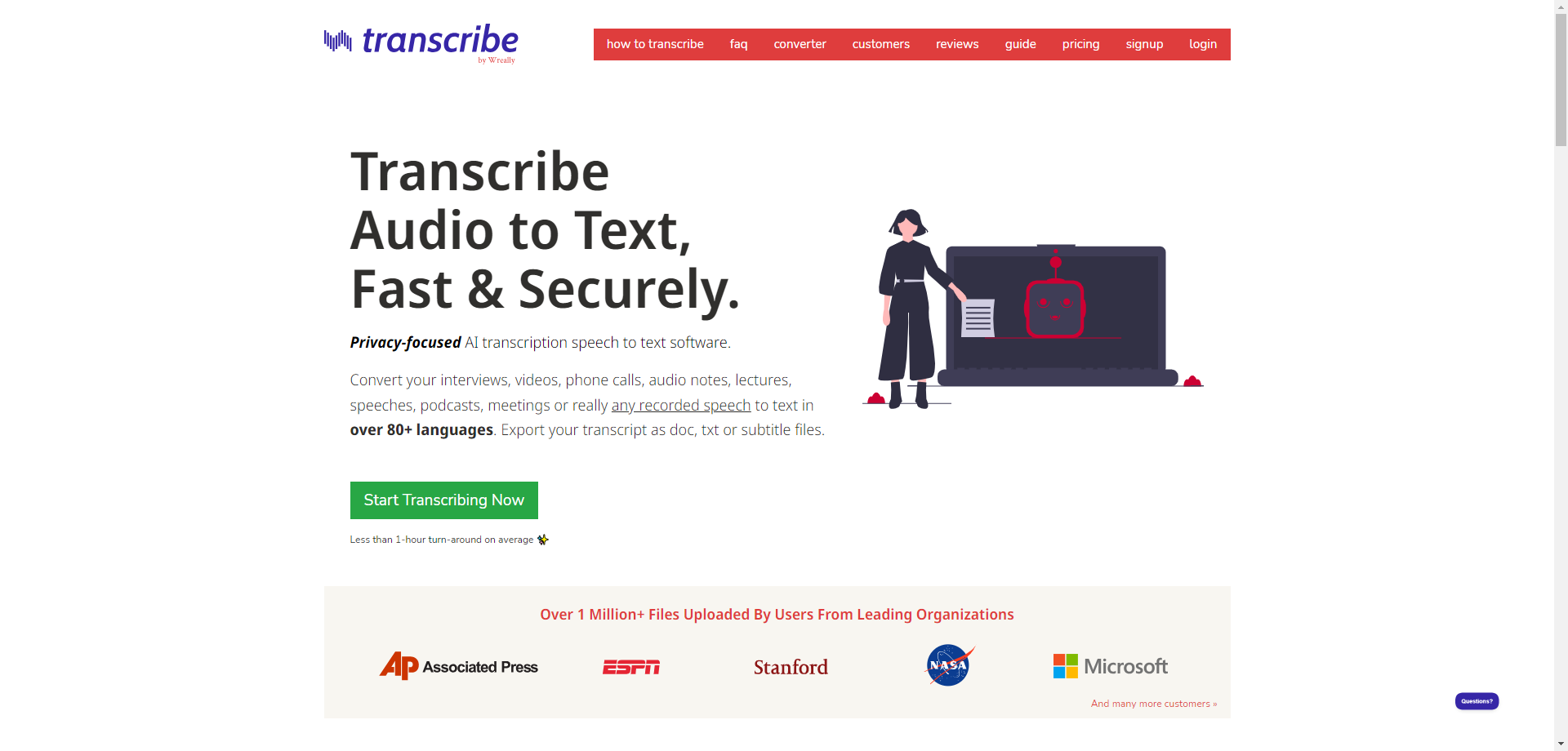
Transcribe by Wreally has built a devoted following among journalists, researchers, and professional transcriptionists. With over 1 million files uploaded by users from organizations like Associated Press, ESPN, Stanford, NASA, and Microsoft, it's proven itself in demanding professional environments. The platform offers both AI-powered automatic transcription and tools for manual transcription workflows.
What makes Wreally stand out is its privacy-first approach. Unlike many competitors, Wreally emphasizes that your transcripts are saved locally in your browser's storage—they never touch their servers unless you explicitly upload files for AI transcription. For sensitive interviews or confidential recordings, this local-first architecture provides peace of mind.
The platform offers four distinct transcription methods: upload for automatic AI transcription, dictate what you hear with voice typing, use keyboard shortcuts to manually transcribe, or connect a foot pedal for professional transcription workflows. This flexibility makes it suitable for everyone from casual users to professional transcriptionists.
🎯 Key Features
- 80+ Languages: Extensive language support for global audio content
- Multiple Workflows: AI automatic, voice dictation, manual typing, foot pedal support
- Privacy-Focused: Local storage by default—data stays on your computer
- Offline Capable: Editor and player work without internet connection
- Subtitle Export: Create SRT subtitle files for video captioning
- Foot Pedal Support: Professional transcription with hands-free audio control
✅ Pros
- Excellent privacy protections
- Works offline
- Professional transcription features
- Trusted by major organizations
❌ Cons
- Free tier is limited
- Interface feels dated
- AI transcription requires payment
💰 Free Tier: Free trial for new users. Manual transcription tools available free. AI transcription starts at $6/hour with weekly subscription at $20.
Best For: Professional transcriptionists, journalists with sensitive sources, researchers needing privacy compliance, and anyone who values keeping their data local.
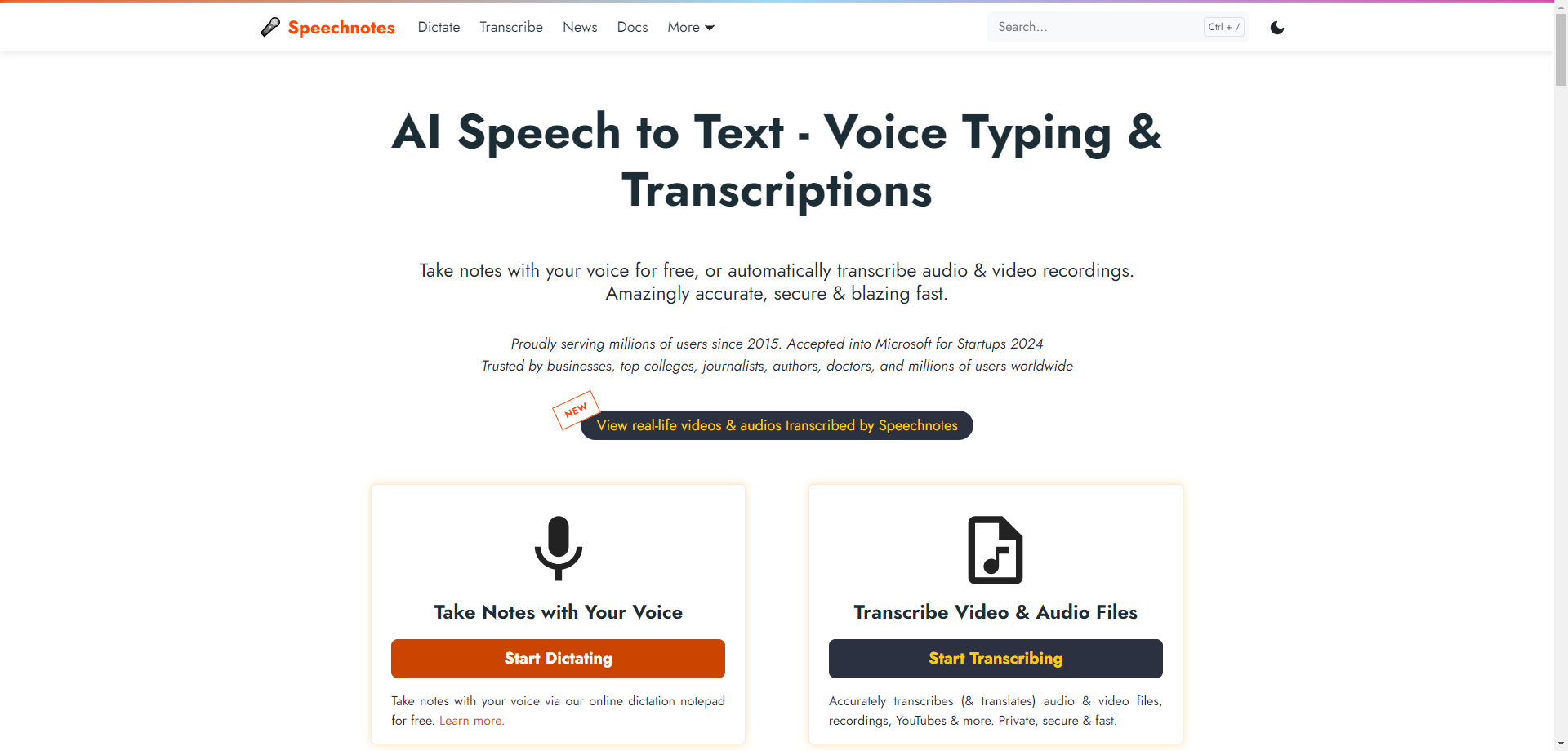
Speechnotes
Free Voice Typing & Budget-Friendly Transcription Service
Speechnotes has been serving millions of users since 2015, establishing itself as one of the most trusted free speech-to-text platforms on the web. Recently accepted into the Microsoft for Startups program, Speechnotes offers two distinct services: a completely free voice typing notepad and a highly affordable transcription service for pre-recorded audio.
The free voice typing notepad is perfect for real-time dictation. Open the web app, click record, and start speaking—your words appear as text instantly. With voice commands for punctuation ("period", "new line", "question mark"), automatic capitalization, and continuous recording without timeouts, it's remarkably efficient for drafting notes, emails, or documents hands-free.
For pre-recorded audio, Speechnotes offers transcription at just $0.10 per minute—one of the most affordable rates in the industry. The service includes speaker diarization (in English), timestamps, subtitle export, and API access for automation. Privacy is taken seriously: no human reviews your audio, and recordings are automatically deleted after transcription.
🎯 Key Features
- Free Voice Typing: Unlimited real-time dictation with no payment required
- Chrome Extension: Voice type into any text field across the web
- Cheap Transcription: Just $0.10/minute for audio file transcription
- Speaker Diarization: Automatic speaker labeling in English
- API & Zapier: Integrate with your existing workflows and automation
- HIPAA Compliant: Privacy-focused with automatic audio deletion
✅ Pros
- Free unlimited voice typing
- Extremely affordable transcription
- HIPAA compliant for medical use
- Long track record (since 2015)
❌ Cons
- Voice typing has ads (free version)
- File transcription isn't free
- Interface is functional but basic
💰 Free Tier: Voice typing notepad is 100% free (with ads). Premium ad-free version at $1.90/month. File transcription at $0.10/minute—pay as you go.
Best For: Anyone who needs free real-time voice typing, students on a budget, authors who prefer dictating, and professionals needing affordable bulk transcription.
Quick Comparison: Free Audio Transcription Tools
| Tool | Type | Languages | Free Offering | Best For |
|---|---|---|---|---|
| VEED.io | AI Auto | 125+ | Limited minutes | Video creators |
| oTranscribe | Manual | Any | 100% Free | Journalists |
| Sonix | AI Auto | 54+ | 30 minutes | Business/Enterprise |
| Transcribe Wreally | AI + Manual | 80+ | Free trial | Privacy-focused |
| Speechnotes | AI Auto + Voice | Many | Free voice typing | Budget users |
How to Choose the Right Free Transcription Tool
Selecting the best free transcription tool depends on your specific situation. Here's a quick decision guide:
🎬 If you work with video content...
Choose VEED.io. Its combination of transcription, subtitle generation, and video editing makes it perfect for content creators who need an all-in-one solution.
🔒 If privacy is your top priority...
Choose oTranscribe or Transcribe by Wreally. Both keep your data local by default, with oTranscribe being completely free and open-source.
💼 If you need enterprise-grade accuracy...
Choose Sonix. The 30 free minutes will show you why major organizations trust it for critical transcription work.
💰 If you're on a tight budget...
Choose Speechnotes for free voice typing, or oTranscribe for 100% free manual transcription with no limitations.
Frequently Asked Questions
Final Thoughts: Transcription Doesn't Have to Be Expensive
The tools featured in this guide prove that professional-quality audio transcription is accessible to everyone, regardless of budget. Whether you choose the convenience of AI-powered automation or the precision of manual transcription, there's a free solution that fits your needs.
For video creators, VEED.io offers the best combination of transcription and editing features. Privacy advocates will love oTranscribe's completely local, open-source approach. Enterprise users should explore Sonix's free trial to experience industry-leading accuracy. And for budget-conscious users, Speechnotes delivers impressive value with free voice typing and ultra-affordable file transcription.
Start with any of these tools today and discover how much time you can save by letting technology handle the tedious work of converting speech to text. Your future self—with hours of freed-up time—will thank you.