
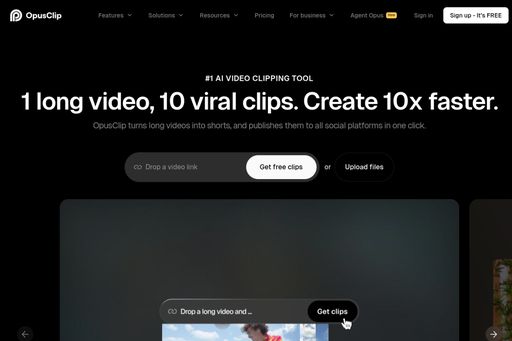
About Opus Clip
Opus Clip은 AI를 사용하여 긴 동영상을 바이럴 단편 클립으로 재구성합니다. 최고의 순간을 자동으로 식별하고, 자막을 추가하며, TikTok, Reels, Shorts용으로 포맷합니다.
Tags
#재사용#쇼츠#소셜 미디어
0 visits
0 bookmarks
가격
무료, 프로 $19/월Visit Trend
Key Metrics
2026-09-01 - 2026-09-30- Monthly visits
- 0
- Avg. visit duration
- 00:00
- Pages per visit
- 0.00
- Bounce rate
- 0.00%
Source Share
Direct visits: 0%Email: 0%Organic search: 0%Paid ads: 0%Referrals: 0%
Traffic Sources
2026-09-01 - 2026-09-30- Direct visits0
- Email0
- Organic search0
- Paid ads0
- Referrals0
Opus Clip Core Features
AI-Powered Clip Selection — Automatically identifies the most engaging and viral-worthy moments from your long-form videos, saving hours of manual editing.
Automatic Captions & Subtitles — Generates accurate, stylish captions that are synced with the audio, making your clips accessible and engaging for viewers watching without sound.
Smart Formatting for Social Platforms — Automatically adjusts aspect ratios, safe zones, and text placement for TikTok, Instagram Reels, YouTube Shorts, and more.
AI Curated Highlights — Uses advanced algorithms to pick out the most interesting segments, including emotional peaks, humor, and key insights, to maximize viewer retention.
One-Click Repurposing — Transform a single long video into multiple short clips with just one click, streamlining your content distribution workflow.
Customizable Branding — Add your logo, colors, and fonts to maintain brand consistency across all your short clips.
Built-in Video Editor — Fine-tune your clips with a simple editor that allows you to trim, reorder, and adjust captions as needed.
Opus Clip Subscription Plan
Free
$0
- 60 minutes of video processing per month
- Up to 10 clips per video
- Watermark on exported clips
- Standard captions and formatting
Pro
$19/month (billed annually) or $25 month-to-month
- Unlimited video processing
- Up to 20 clips per video
- No watermark
- Custom branding options
- Priority processing
- Advanced editing tools