💻
About Cursor
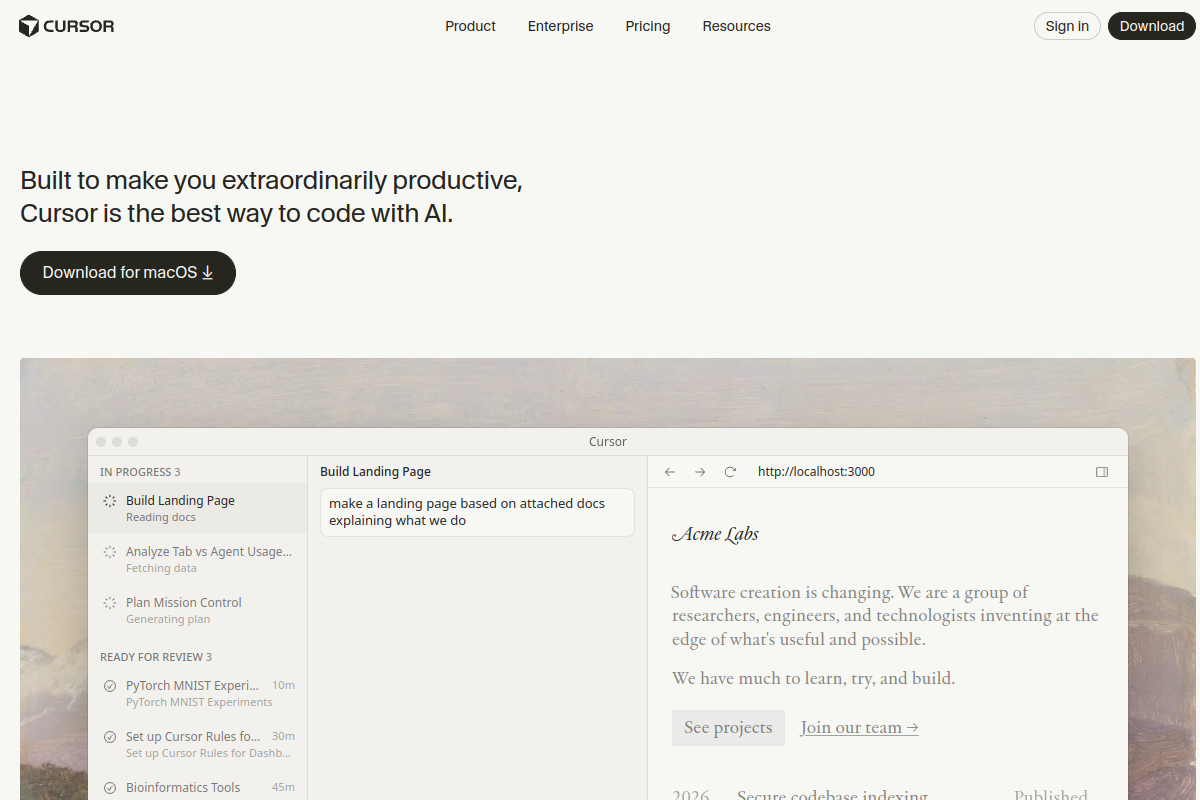
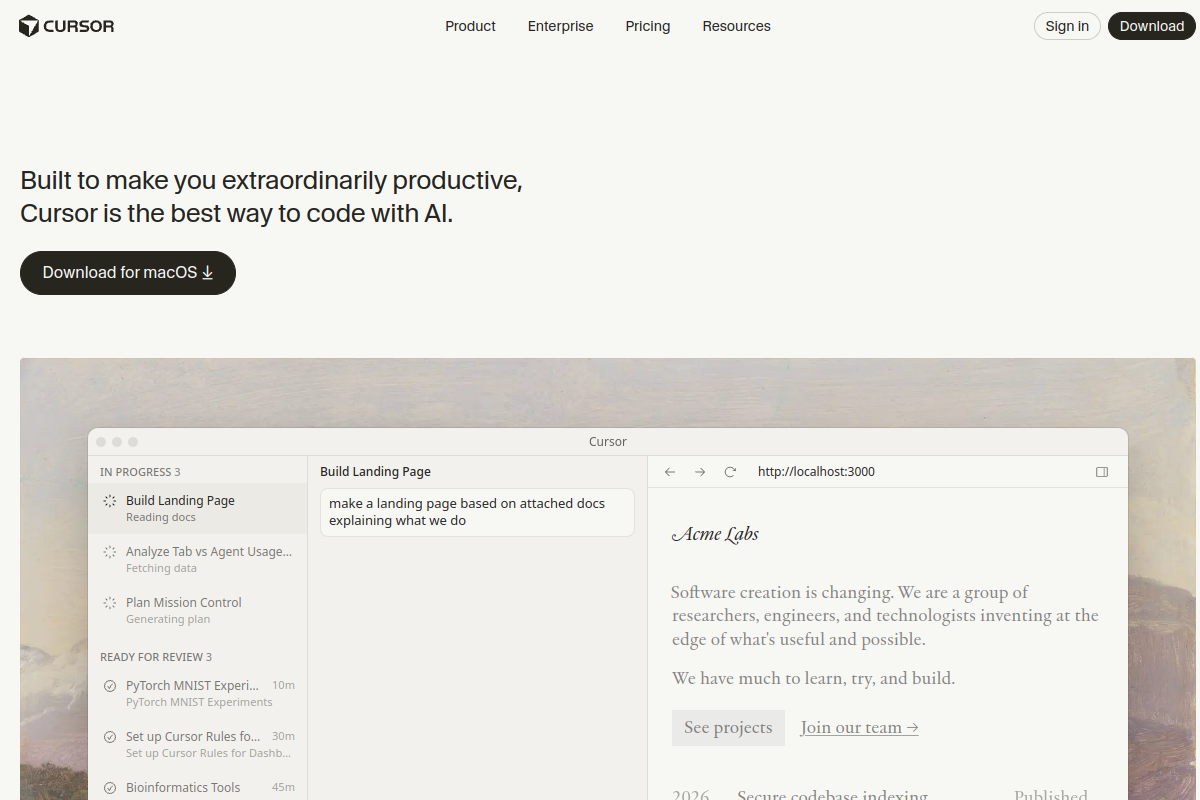
Cursor는 AI를 에디터에 직접 내장하여 코딩을 혁신합니다. 지능형 자동 완성으로 더 빠르게 코드를 작성하고, 자연어 명령으로 전체 코드베이스를 리팩터링하며, 문제를 간단히 설명하여 디버깅할 수 있습니다. 기존 IDE와 달리 Cursor는 전체 프로젝트 컨텍스트를 이해하고 관련 솔루션을 제안합니다. 개발자는 기능을 2배 더 빠르게 출시하고, 주니어 엔지니어는 실시간으로 모범 사례를 배우며, 팀은 쉽게 일관된 코드 품질을 유지합니다.
Tags
#코딩#ide#개발#ai-어시스턴트
0 visits
0 bookmarks
가격
무료, 프로 $20/월Visit Trend
Key Metrics
2026-09-01 - 2026-09-30- Monthly visits
- 0
- Avg. visit duration
- 00:00
- Pages per visit
- 0.00
- Bounce rate
- 0.00%
Source Share
Direct visits: 0%Email: 0%Organic search: 0%Paid ads: 0%Referrals: 0%
Traffic Sources
2026-09-01 - 2026-09-30- Direct visits0
- Email0
- Organic search0
- Paid ads0
- Referrals0
Cursor Core Features
AI-Powered Autocomplete — Cursor's AI predicts your next lines of code, offering multi-line suggestions that adapt to your coding style and project context, significantly speeding up development.
Natural Language Editing — Use plain English commands to edit code, such as 'change this function to async' or 'refactor this class to use a factory pattern'. Cursor understands your intent and applies changes across your codebase.
Codebase-Wide Understanding — Cursor indexes your entire project, allowing the AI to answer questions about your code, locate relevant files, and suggest changes that consider the full context of your codebase.
AI Chat for Debugging — Describe a bug in natural language and Cursor will analyze your code, identify potential causes, and propose fixes, often with explanations and code snippets.
Multi-File Refactoring — Apply large-scale changes across multiple files with a single command. Cursor intelligently updates imports, references, and dependent code, reducing manual effort and errors.
Custom AI Models — Choose from a variety of AI models (including GPT-4, Claude, and custom models) to suit your preferences for speed, accuracy, and cost, and even bring your own API key.
Seamless IDE Integration — Built on the familiar VS Code interface, Cursor supports all your favorite extensions, themes, and keybindings, making the transition effortless.
Cursor Subscription Plan
Free
$0
- Limited AI usage (e.g., 2000 completions/month)
- Basic AI chat and editing
- Community support
Pro
$20/month
- Unlimited AI usage
- Priority access to new features
- Advanced AI models (GPT-4, Claude)
- Email support
Teams
$40/user/month
- All Pro features
- Centralized billing and management
- Admin controls and usage analytics
- Priority support