💻
關於 Cursor
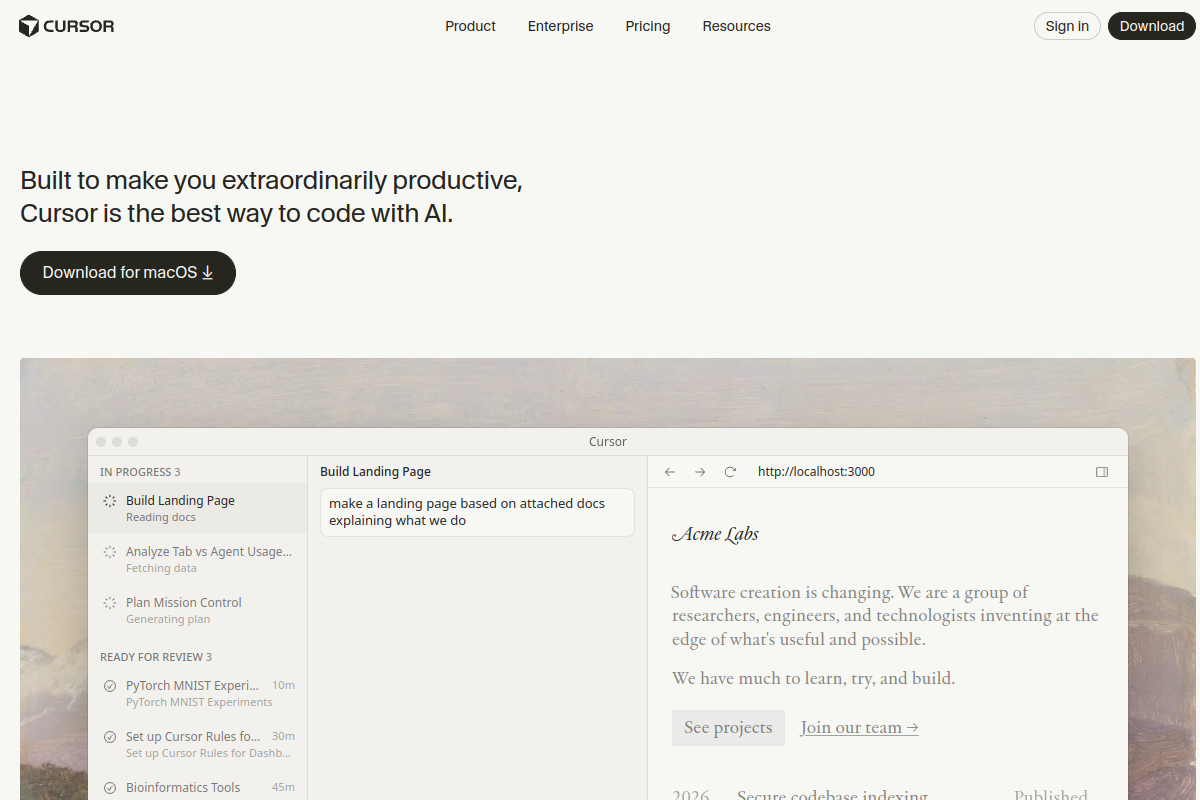
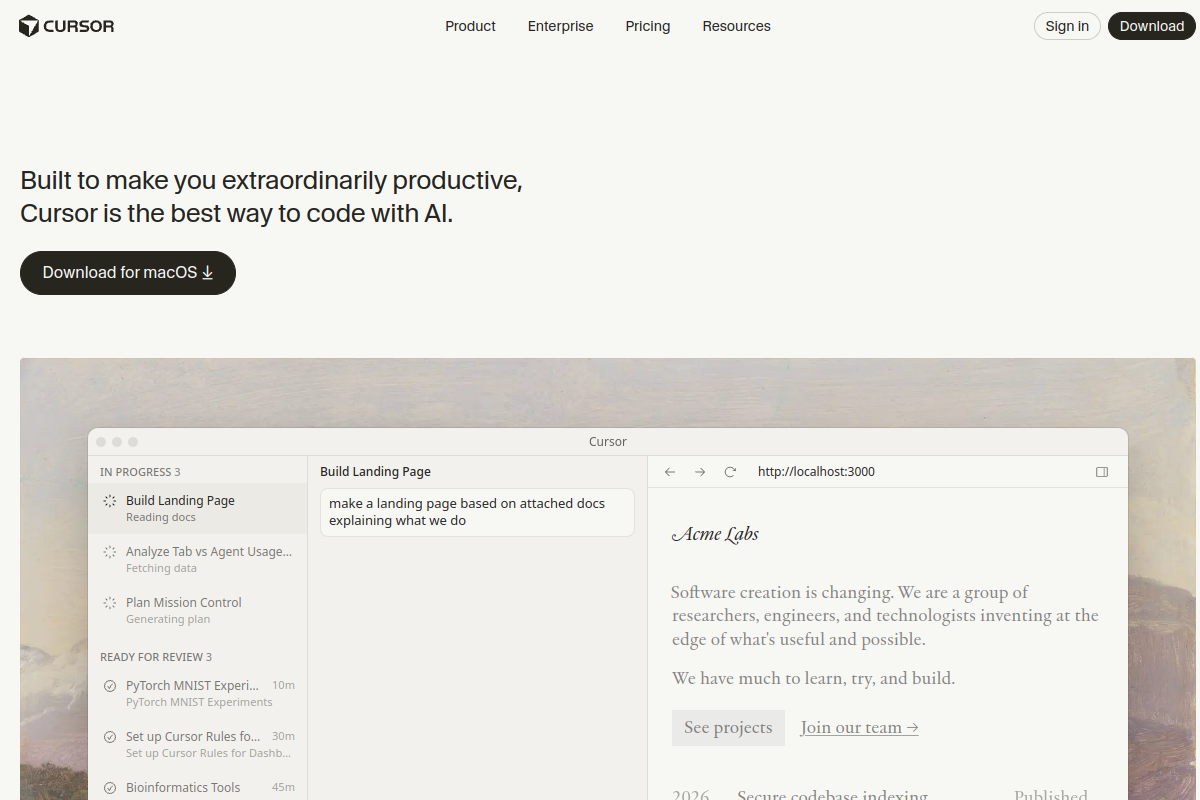
Cursor 透過將 AI 直接整合到您的編輯器中,徹底革新了編碼方式。憑藉智能自動完成功能,更快地編寫程式碼;使用自然語言指令重構整個程式碼庫;只需描述問題即可除錯。與傳統的 IDE 不同,Cursor 理解您的整個專案上下文並提供相關解決方案。開發人員交付功能的速度提升兩倍,初級工程師即時學習最佳實踐,團隊輕鬆維持一致的程式碼品質。
標籤
#編碼#ide#開發#ai-assistant
0 次訪問
0 個收藏
定價
免費,專業版 $20/月Visit Trend
Key Metrics
2026-09-01 - 2026-09-30- Monthly visits
- 0
- Avg. visit duration
- 00:00
- Pages per visit
- 0.00
- Bounce rate
- 0.00%
Source Share
Direct visits: 0%Email: 0%Organic search: 0%Paid ads: 0%Referrals: 0%
Traffic Sources
2026-09-01 - 2026-09-30- Direct visits0
- Email0
- Organic search0
- Paid ads0
- Referrals0
Cursor 核心功能
AI-Powered Autocomplete — Cursor's AI predicts your next lines of code, offering multi-line suggestions that adapt to your coding style and project context, significantly speeding up development.
Natural Language Editing — Use plain English commands to edit code, such as 'change this function to async' or 'refactor this class to use a factory pattern'. Cursor understands your intent and applies changes across your codebase.
Codebase-Wide Understanding — Cursor indexes your entire project, allowing the AI to answer questions about your code, locate relevant files, and suggest changes that consider the full context of your codebase.
AI Chat for Debugging — Describe a bug in natural language and Cursor will analyze your code, identify potential causes, and propose fixes, often with explanations and code snippets.
Multi-File Refactoring — Apply large-scale changes across multiple files with a single command. Cursor intelligently updates imports, references, and dependent code, reducing manual effort and errors.
Custom AI Models — Choose from a variety of AI models (including GPT-4, Claude, and custom models) to suit your preferences for speed, accuracy, and cost, and even bring your own API key.
Seamless IDE Integration — Built on the familiar VS Code interface, Cursor supports all your favorite extensions, themes, and keybindings, making the transition effortless.
Cursor 订阅计划
Free
$0
- Limited AI usage (e.g., 2000 completions/month)
- Basic AI chat and editing
- Community support
Pro
$20/month
- Unlimited AI usage
- Priority access to new features
- Advanced AI models (GPT-4, Claude)
- Email support
Teams
$40/user/month
- All Pro features
- Centralized billing and management
- Admin controls and usage analytics
- Priority support