📈
About Scribe
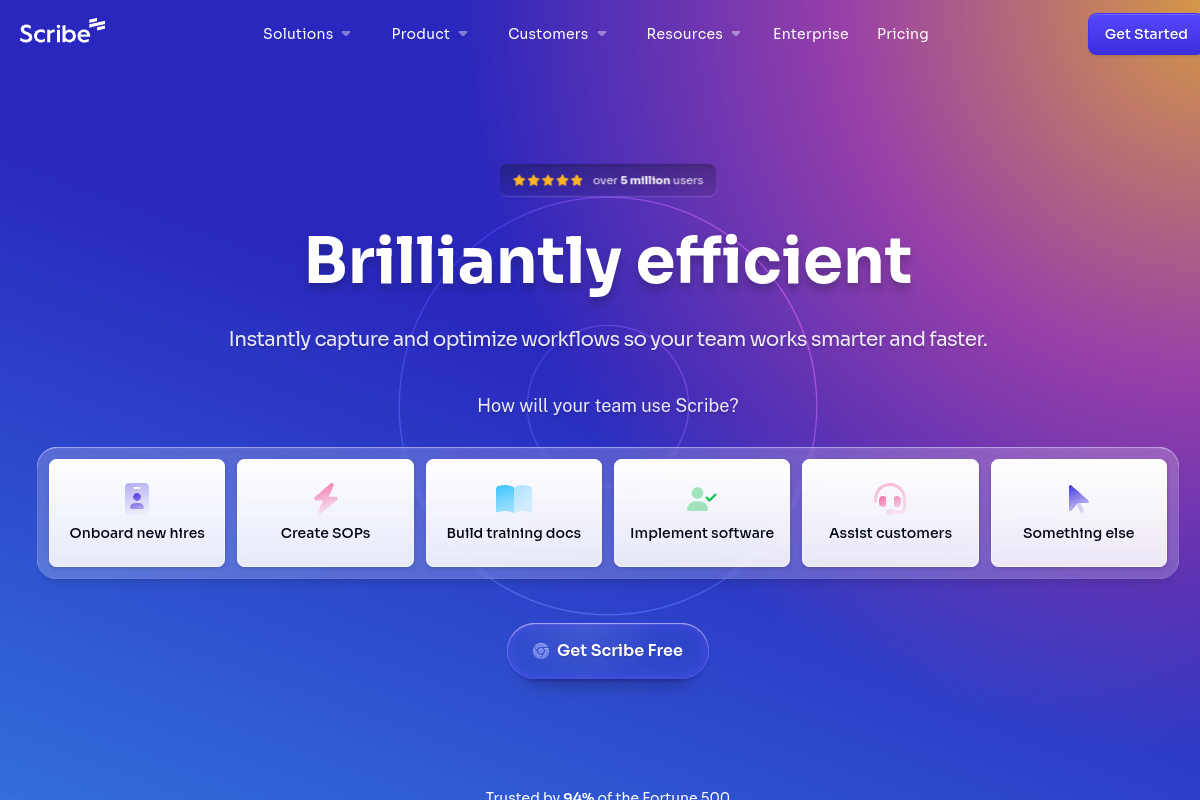
Erstellen Sie Schritt-für-Schritt-Anleitungen automatisch, während Sie mit Scribes KI-gestützter Bildschirmaufnahme arbeiten. Klicken Sie auf Aufnahme, führen Sie Ihren Prozess aus, und Scribe generiert ein vollständiges Tutorial mit Screenshots, Beschreibungen und Anweisungen. Support-Teams dokumentieren Lösungen einmal und teilen sie für immer, Trainer erstellen Onboarding-Materialien in Minuten, und Operations-Teams standardisieren Prozesse in Organisationen. Die KI erfasst automatisch jeden Klick, fügt hilfreiche Anmerkungen hinzu und formatiert alles in professionelle Dokumentation.
Tags
#Hier ist der zu übersetzende Inhalt : 'Dokumentation'#Produktivität#training#Automatisierung
0 visits
0 bookmarks
Preise
Kostenloser Tarif, Ab 23 $/MonatVisit Trend
Key Metrics
2026-09-01 - 2026-09-30- Monthly visits
- 0
- Avg. visit duration
- 00:00
- Pages per visit
- 0.00
- Bounce rate
- 0.00%
Source Share
Direct visits: 0%Email: 0%Organic search: 0%Paid ads: 0%Referrals: 0%
Traffic Sources
2026-09-01 - 2026-09-30- Direct visits0
- Email0
- Organic search0
- Paid ads0
- Referrals0
Scribe Core Features
Automatic Step-by-Step Guide Generation — Scribe records your screen as you perform a process and automatically creates a detailed, step-by-step guide with screenshots and text instructions, saving hours of manual documentation time.
AI-Powered Annotations — The AI automatically adds visual cues like arrows, highlights, and text boxes to screenshots, making guides easier to follow and understand.
Customizable Branding and Styling — Users can customize guides with their own branding, colors, and fonts to maintain a professional and consistent look across all documentation.
Collaborative Editing and Sharing — Teams can collaborate on guides in real-time, leave comments, and share guides via links, embed them in wikis, or export them as PDFs or Markdown.
Integration with Popular Tools — Scribe integrates with platforms like Confluence, Notion, Slack, and Microsoft Teams, allowing seamless sharing and embedding of guides in existing workflows.
Sensitive Information Redaction — The tool automatically detects and blurs sensitive information such as emails, credit card numbers, and passwords in screenshots to ensure data privacy.
Analytics and Insights — Users can track guide views, completion rates, and user feedback to understand which documentation is most effective and identify areas for improvement.
Scribe Subscription Plan
Free
$0
- Up to 20 guides per month
- Unlimited viewers
- Basic customization
- Scribe branding
Pro
$23/mo (billed annually)
- Unlimited guides
- Advanced customization
- Sensitive information redaction
- Integrations (Confluence, Notion, etc.)
- Analytics
Enterprise
Custom pricing
- SSO/SAML
- Advanced admin controls
- Dedicated support
- Custom data retention policies
- Onboarding and training