📈
About Scribe
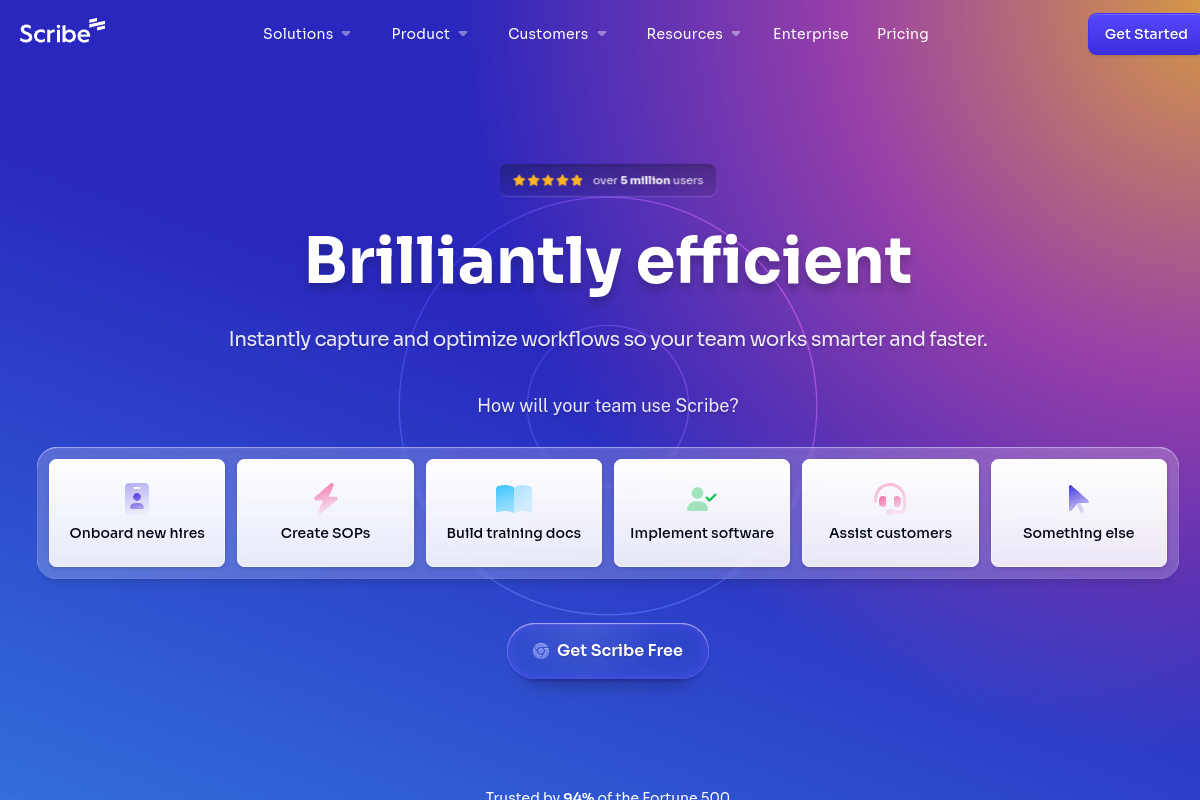
Maak automatisch stapsgewijze handleidingen terwijl je werkt met de AI-gestuurde schermopname van Scribe. Klik op opnemen, voer je proces uit en Scribe genereert een complete tutorial met schermafbeeldingen, beschrijvingen en instructies. Supportteams documenteren oplossingen één keer en delen ze voor altijd, trainers creëren onboardingsmateriaal in minuten en operationele teams standaardiseren processen binnen organisaties. De AI legt automatisch elke klik vast, voegt nuttige annotaties toe en formatteert alles tot professionele documentatie.
Tags
#documentatie#productiviteit#training#automatisering
0 visits
0 bookmarks
Prijzen
Gratis abonnement, Vanaf $23/maandVisit Trend
Key Metrics
2026-09-01 - 2026-09-30- Monthly visits
- 0
- Avg. visit duration
- 00:00
- Pages per visit
- 0.00
- Bounce rate
- 0.00%
Source Share
Direct visits: 0%Email: 0%Organic search: 0%Paid ads: 0%Referrals: 0%
Traffic Sources
2026-09-01 - 2026-09-30- Direct visits0
- Email0
- Organic search0
- Paid ads0
- Referrals0
Scribe Core Features
Automatic Step-by-Step Guide Generation — Scribe records your screen as you perform a process and automatically creates a detailed, step-by-step guide with screenshots and text instructions, saving hours of manual documentation time.
AI-Powered Annotations — The AI automatically adds visual cues like arrows, highlights, and text boxes to screenshots, making guides easier to follow and understand.
Customizable Branding and Styling — Users can customize guides with their own branding, colors, and fonts to maintain a professional and consistent look across all documentation.
Collaborative Editing and Sharing — Teams can collaborate on guides in real-time, leave comments, and share guides via links, embed them in wikis, or export them as PDFs or Markdown.
Integration with Popular Tools — Scribe integrates with platforms like Confluence, Notion, Slack, and Microsoft Teams, allowing seamless sharing and embedding of guides in existing workflows.
Sensitive Information Redaction — The tool automatically detects and blurs sensitive information such as emails, credit card numbers, and passwords in screenshots to ensure data privacy.
Analytics and Insights — Users can track guide views, completion rates, and user feedback to understand which documentation is most effective and identify areas for improvement.
Scribe Subscription Plan
Free
$0
- Up to 20 guides per month
- Unlimited viewers
- Basic customization
- Scribe branding
Pro
$23/mo (billed annually)
- Unlimited guides
- Advanced customization
- Sensitive information redaction
- Integrations (Confluence, Notion, etc.)
- Analytics
Enterprise
Custom pricing
- SSO/SAML
- Advanced admin controls
- Dedicated support
- Custom data retention policies
- Onboarding and training