📈
關於 Scribe
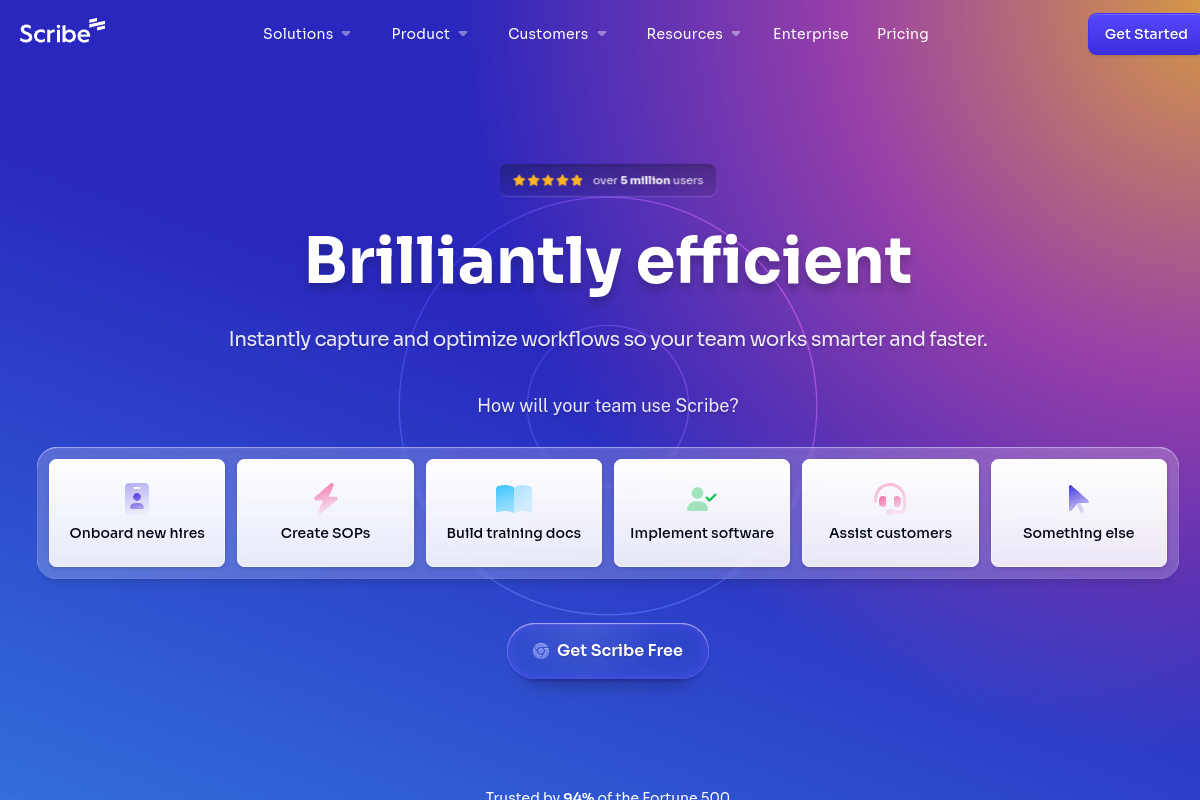
當您使用 Scribe 的 AI 驅動螢幕擷取功能工作時,自動建立逐步指南。點擊錄製,執行您的流程,Scribe 就會生成完整的教學,包含螢幕截圖、描述和指示。支援團隊只需記錄一次解決方案並永久分享,培訓人員在幾分鐘內建立入職材料,營運團隊則能跨組織標準化流程。AI 會自動捕捉每一次點擊,添加有用的註解,並將所有內容格式化為專業文件。
標籤
#文件#生產力#訓練#自動化
0 次訪問
0 個收藏
定價
免費方案,每月從 $23 起Visit Trend
Key Metrics
2026-09-01 - 2026-09-30- Monthly visits
- 0
- Avg. visit duration
- 00:00
- Pages per visit
- 0.00
- Bounce rate
- 0.00%
Source Share
Direct visits: 0%Email: 0%Organic search: 0%Paid ads: 0%Referrals: 0%
Traffic Sources
2026-09-01 - 2026-09-30- Direct visits0
- Email0
- Organic search0
- Paid ads0
- Referrals0
Scribe 核心功能
Automatic Step-by-Step Guide Generation — Scribe records your screen as you perform a process and automatically creates a detailed, step-by-step guide with screenshots and text instructions, saving hours of manual documentation time.
AI-Powered Annotations — The AI automatically adds visual cues like arrows, highlights, and text boxes to screenshots, making guides easier to follow and understand.
Customizable Branding and Styling — Users can customize guides with their own branding, colors, and fonts to maintain a professional and consistent look across all documentation.
Collaborative Editing and Sharing — Teams can collaborate on guides in real-time, leave comments, and share guides via links, embed them in wikis, or export them as PDFs or Markdown.
Integration with Popular Tools — Scribe integrates with platforms like Confluence, Notion, Slack, and Microsoft Teams, allowing seamless sharing and embedding of guides in existing workflows.
Sensitive Information Redaction — The tool automatically detects and blurs sensitive information such as emails, credit card numbers, and passwords in screenshots to ensure data privacy.
Analytics and Insights — Users can track guide views, completion rates, and user feedback to understand which documentation is most effective and identify areas for improvement.
Scribe 订阅计划
Free
$0
- Up to 20 guides per month
- Unlimited viewers
- Basic customization
- Scribe branding
Pro
$23/mo (billed annually)
- Unlimited guides
- Advanced customization
- Sensitive information redaction
- Integrations (Confluence, Notion, etc.)
- Analytics
Enterprise
Custom pricing
- SSO/SAML
- Advanced admin controls
- Dedicated support
- Custom data retention policies
- Onboarding and training