Endless AI Video Loops: 6 Best Free Tools to Create Infinite Animations
Learn how to create mesmerizing endless AI video loops with the best free tools in 2026. Discover Pika Labs, LeiaPix, Runway ML, and more for creating seamless looping videos.
Create Mesmerizing Endless AI Video Loops in 2026
Endless AI video loops have become one of the most captivating trends in digital content creation. These hypnotic, seamlessly repeating videos grab attention on social media, create stunning backgrounds for websites, and add a mesmerizing touch to any digital project.
Thanks to advances in artificial intelligence, creating perfect video loops no longer requires hours of manual editing or expensive software. Today's AI video loop generators can take a simple image or text prompt and transform it into a seamlessly looping video that plays forever without any visible cuts or jumps.
In this guide, we'll explore the best AI tools for creating endless video loops, teach you how to make your own, and share creative ways to use them in your projects.
🔄 What Are Endless AI Video Loops?
Endless video loops are clips where the end seamlessly connects to the beginning, creating an infinite playback experience. AI makes this easier by automatically generating content that flows naturally from end to start, eliminating the tedious manual work of traditional loop creation.
Pika Labs
Best Overall for Creating Seamless AI Video Loops
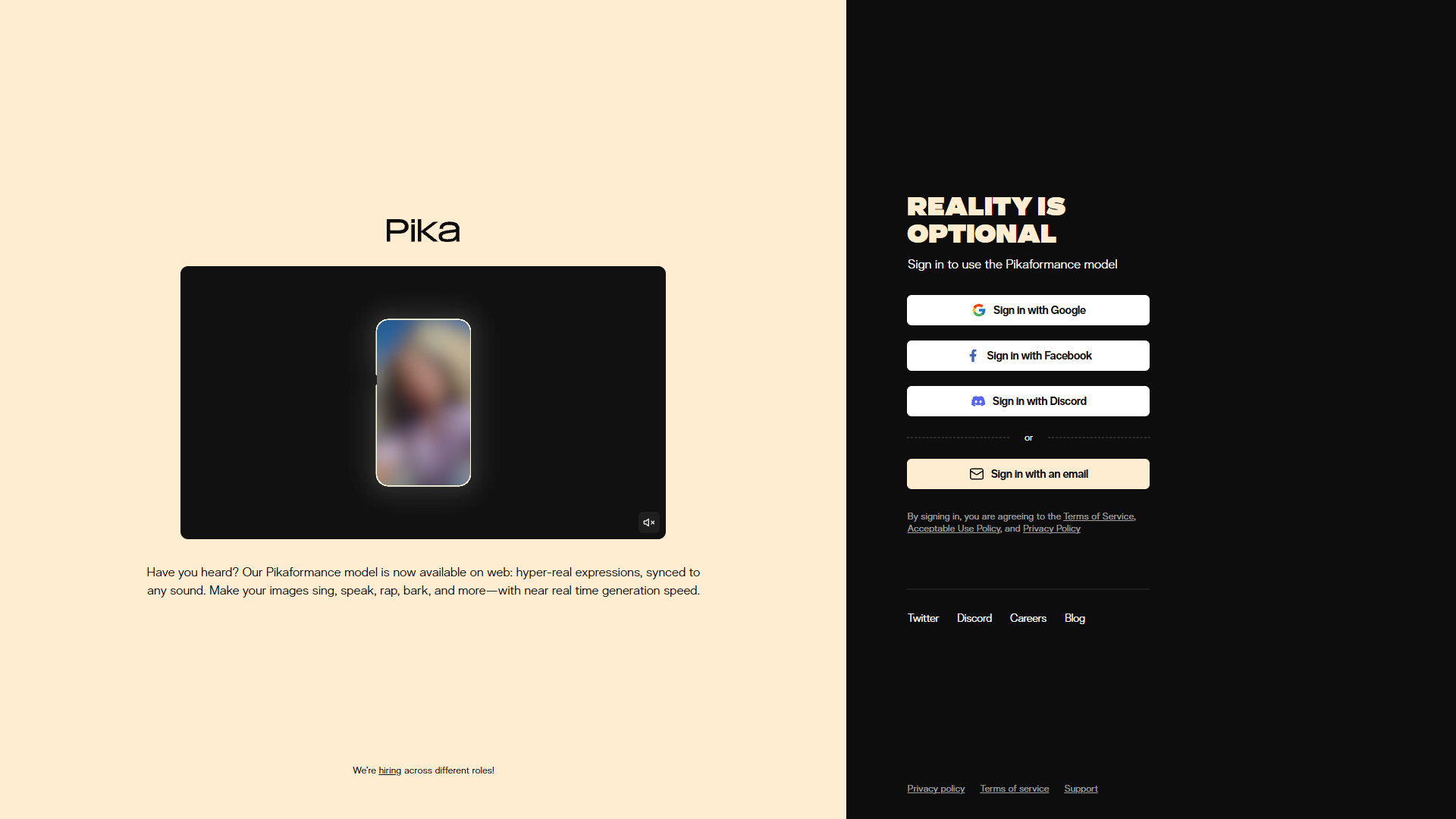
Pika Labs has emerged as one of the top choices for creating endless AI video loops. The platform's advanced motion algorithms ensure smooth, natural movement that transitions perfectly from end to beginning.
The secret to Pika's excellent loops lies in its intelligent motion prediction. The AI understands how elements should move and automatically creates footage where the final frame naturally leads back to the first, creating that satisfying infinite loop effect.
You can create loops from text prompts ("a campfire flickering in the night") or animate existing images. Either way, Pika produces smooth, professional-quality loops perfect for social media backgrounds and digital art.
🎯 Loop-Specific Features
- Auto-loop generation - AI creates seamless start-to-end transitions
- Motion strength control - Adjust how much movement appears
- Multiple aspect ratios - Square, portrait, landscape options
- Image-to-video loops - Animate any still image into a loop
- Style consistency - Maintains visual coherence throughout
💰 Free Tier: 250 credits/month for loop creation. Perfect for experimenting with endless video loops.
Runway ML
Professional-Grade Infinite Video Generation
Runway ML's Gen-3 produces some of the highest quality AI video content available, and its capabilities extend beautifully to creating endless loops. The cinematic quality of Runway's output makes loops that look professionally produced.
Runway's motion brush feature is particularly useful for loop creation. You can precisely control which parts of an image should move and how, making it easier to create seamless transitions that loop perfectly.
For professional projects requiring high-resolution, cinematic loops, Runway is the go-to choice. The output quality justifies the premium, especially for commercial applications.
🎯 Loop-Specific Features
- Motion brush - Paint exactly where motion should occur
- Camera controls - Pan, zoom, rotate for dynamic loops
- 10-second generation - Longer base clips for smoother loops
- 4K output - High resolution for professional use
- Extend feature - Seamlessly extend videos for longer loops
💰 Free Tier: 125 credits for new users. Great for testing loop creation capabilities.
LeiaPix Converter
Free 3D Photo Animation with Loop Export
LeiaPix Converter is a completely free tool that transforms 2D images into stunning 3D animations—and it has a built-in loop export feature. Upload any image, and LeiaPix creates a mesmerizing depth-based animation that loops seamlessly.
The tool uses AI to generate a depth map from your image, then creates subtle parallax movement that gives the illusion of 3D space. The gentle movement is perfect for creating calming, hypnotic loops from landscapes, portraits, or artwork.
Best of all, LeiaPix is 100% free with no watermarks. It's an excellent choice for quickly creating professional-looking loops from existing images.
🎯 Loop-Specific Features
- One-click loop export - Automatically creates seamless loops
- Depth-based animation - Creates 3D parallax effect
- Animation styles - Multiple motion presets available
- No watermark - Clean exports even on free tier
- GIF and MP4 export - Multiple format options
💰 Free Tier: Completely free, unlimited use, no watermarks. Best free option for image-to-loop conversion.
Kaiber AI
Artistic Loops with Music Synchronization
Kaiber AI specializes in creating artistic, psychedelic video loops that are perfect for music videos and visual art. The platform's unique style produces mesmerizing, dreamlike animations that flow endlessly.
What makes Kaiber special for loops is its audio-reactive generation. Upload a music track, and Kaiber creates loops that pulse and flow with the beat, making it perfect for DJ visuals, music videos, and concert backgrounds.
The artistic styles available—from abstract fractals to morphing landscapes—create visually stunning loops that hold viewers' attention. Each style has a distinctive look that works beautifully as an endless animation.
🎯 Loop-Specific Features
- Music sync - Loops that move with your audio
- Artistic styles - Abstract, psychedelic, and surreal options
- Transform mode - Creates morphing infinite loops
- Long duration - Generate loops up to several minutes
- Style blending - Mix multiple aesthetics in one loop
💰 Free Tier: 7-day free trial with limited credits. Perfect for testing artistic loop styles.
Deforum (Stable Diffusion)
Open-Source AI Animation with Full Control
Deforum is an open-source animation extension for Stable Diffusion that has become incredibly popular for creating AI video loops. It offers unmatched control over every aspect of the animation process.
The power of Deforum lies in its frame-by-frame control. You can specify exactly how the image should transform over time, making it possible to create perfectly seamless loops by ensuring the final frame matches the first.
While Deforum has a steeper learning curve, the results can be spectacular. Many of the most impressive AI video loops you've seen online were likely created with Deforum.
🎯 Loop-Specific Features
- Frame interpolation - Smooth transitions between keyframes
- 2D/3D motion - Camera pan, zoom, rotation controls
- Seed scheduling - Create looping seed progressions
- Prompt scheduling - Evolve prompts that return to start
- Free & open source - Run locally with no limits
💰 Cost: Free and open source. Requires local setup or use through platforms like Google Colab.
CapCut AI
Easy Loop Creation with Professional Editing Tools
CapCut has added AI features that make creating video loops easier than ever. While not a pure AI generator, CapCut's AI tools help transform existing footage or AI-generated clips into perfect loops.
The platform's AI image animator can bring static images to life with subtle motion, perfect for creating looping backgrounds. Combined with CapCut's excellent editing tools, you can fine-tune loops to perfection.
CapCut is free and available on web, mobile, and desktop, making it accessible for quick loop creation anywhere. It's especially good for social media creators who need to produce loops quickly.
🎯 Loop-Specific Features
- AI image animation - Bring photos to life
- Reverse & loop tools - Easy loop creation from any clip
- Speed ramping - Create smooth boomerang effects
- Cross-platform - Web, iOS, Android, desktop
- Export as GIF - Perfect for social media loops
💰 Free Tier: Free with optional Pro subscription. Most loop features available on free tier.
🎬 How to Create Perfect Endless AI Video Loops
Step 1: Choose Your Subject Wisely
The best endless loops feature subjects with natural cyclical motion: flames, water, clouds, breathing, blinking, or gentle swaying. Avoid complex actions that are hard to loop seamlessly.
Step 2: Use Descriptive Prompts
Include words like "gentle," "subtle," "continuous," and "flowing" in your prompts. Specify that you want seamless, looping motion for best results.
Step 3: Keep Motion Subtle
Less is more with loops. Subtle, slow movements create more hypnotic effects and are easier to loop seamlessly than dramatic, fast-paced action.
Step 4: Test Multiple Times
AI generation involves randomness. Generate several versions and pick the one with the smoothest loop. Most tools let you regenerate with the same settings.
💡 Creative Use Cases for Endless AI Video Loops
📱 Social Media Backgrounds
Use loops as eye-catching backgrounds for Instagram stories, TikTok videos, or Twitter/X posts. The motion draws attention without distracting from your message.
🖥️ Website Hero Sections
Replace static hero images with subtle video loops. The movement creates a premium, dynamic feel that keeps visitors engaged longer.
🎵 Music Visualizations
Create mesmerizing visuals for music tracks, podcast covers, or live stream backgrounds. Audio-reactive loops are perfect for music content.
🎮 Game Menus & Loading Screens
Add atmosphere to game interfaces with animated backgrounds. Loops are efficient and create ambient motion without large file sizes.
🖼️ Digital Art & NFTs
Transform static artwork into dynamic pieces. Animated art commands more attention and can fetch higher prices in digital markets.
📺 Digital Signage
Create ambient displays for retail stores, lobbies, or events. Endless loops provide constant visual interest without requiring attention.
Frequently Asked Questions
Start Creating Mesmerizing Endless AI Video Loops
Endless AI video loops are one of the most captivating forms of digital content, and the tools to create them have never been more accessible. Whether you need quick loops for social media or professional-quality animations for commercial projects, there's an AI tool that fits your needs.
Our Recommendations:
- Best Free Option: LeiaPix Converter - unlimited, no watermarks
- Best Overall: Pika Labs - excellent quality with generous free tier
- Best for Music: Kaiber AI - audio-reactive artistic loops
- Best for Pros: Runway ML - highest quality, cinematic results
Pick a tool from this list and create your first endless AI video loop today—your audience will be mesmerized!
Explore More AI Tools
Discover more AI video and image tools in our directory
Browse AI Tools Directory